
Set Up Restaurant Online Ordering in Under a Week
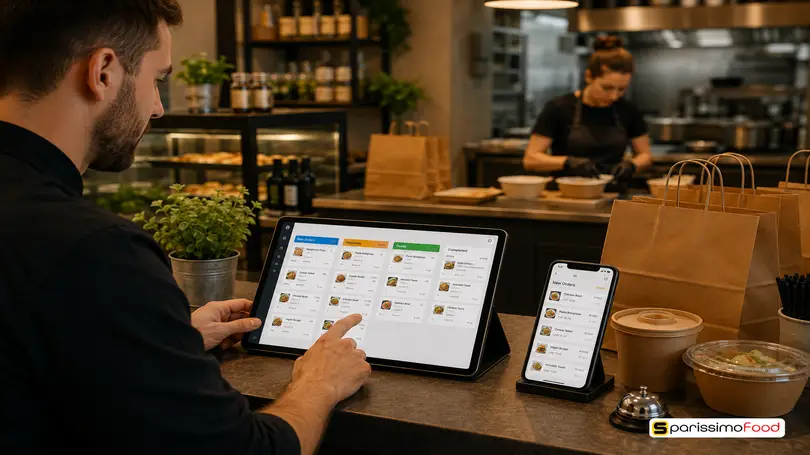
.y09Xtv8Z_Z7qBuV.webp "Set Up Restaurant Online Ordering in Under a Week")

Quick Answer: Setting up online ordering for your restaurant means choosing a platform built for how Swiss guests actually pay and order, uploading a properly configured menu, setting delivery, pickup and dine-in rules, connecting TWINT and card payments, and promoting the ordering link everywhere guests already look for you. With your menu and photos ready, the process from signing up to taking your first live order typically takes 3 to 5 business days on a Swiss-ready platform. The single decision that matters most is the platform itself: one without TWINT support or CHF-native invoicing will lose you orders at checkout no matter how well everything else is configured.
58% of guests say they’d rather order delivery through a restaurant’s own website or app than through a third-party marketplace, according to a 2025 NCR Voyix survey reported by Restaurant Dive. Most independent Swiss restaurants still don’t give guests that option, or they built one years ago on GloriaFood, which shuts down permanently on 30 April 2027. Setting up direct online ordering isn’t the technical project it used to be, but doing it properly in Switzerland means getting a handful of decisions right before you upload a single menu item.
What Setting Up Online Ordering Actually Involves
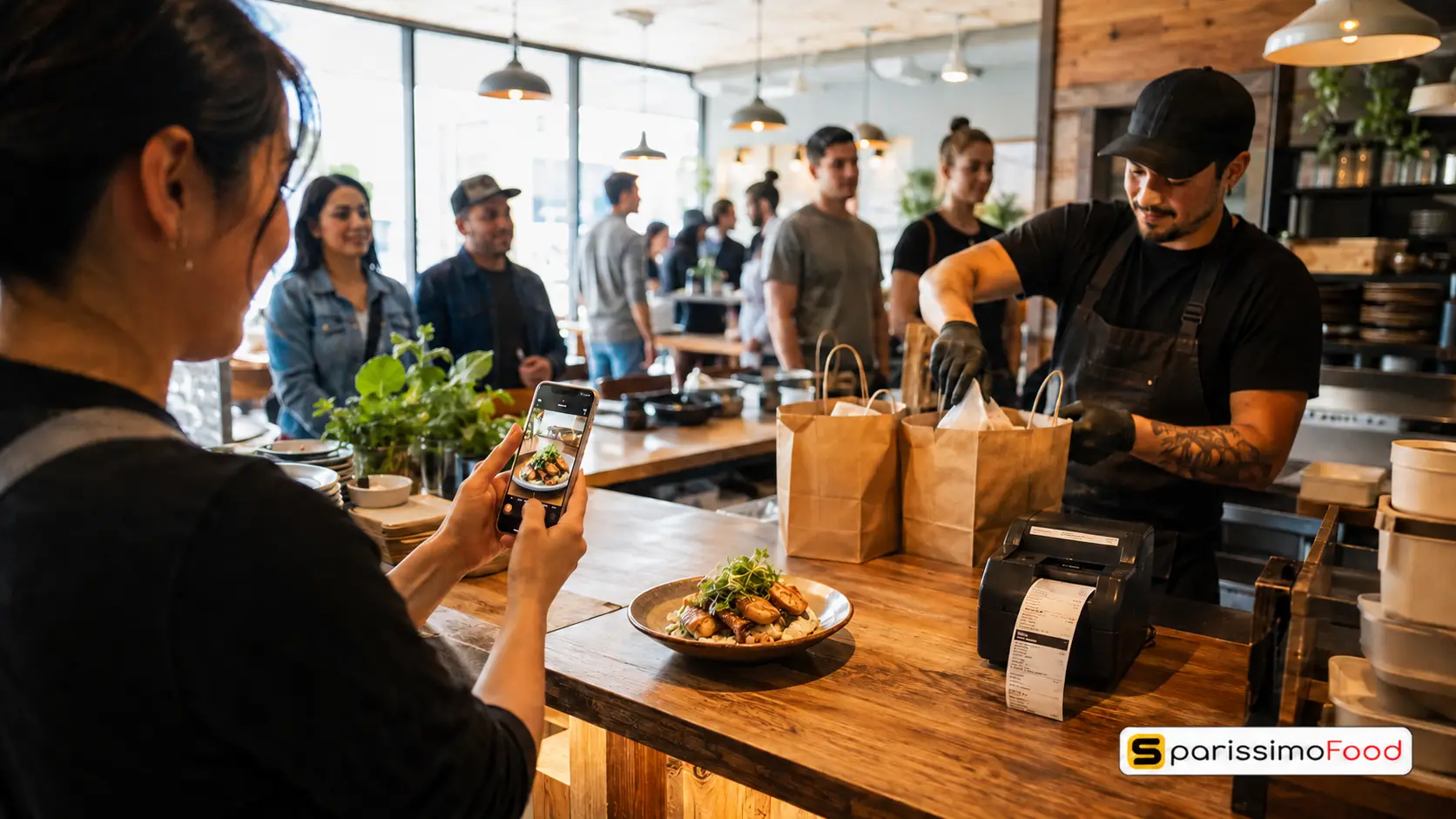
Five things need to happen before a guest can place a real order on your own channel: you choose a platform, you build a menu configured for online sale, you set your fulfilment rules, you connect payments, and you promote the link. None of these steps is optional. Skipping the last one is the most common reason a technically perfect setup still takes zero orders in its first month.
This is different from simply listing your restaurant on Just Eat or Uber Eats. A marketplace listing takes an afternoon because the marketplace owns the menu template, the payment flow, and the customer relationship. You’re a supplier inside their system. Setting up your own online ordering means you own all three, which is exactly why it saves you 20–30% in commission on every order once it’s running, and exactly why it takes a bit more care to configure correctly the first time.
The five steps below cover the full process, in the order that actually matters.
Step 1: Choose an Online Ordering Platform Built for the Swiss Market
This is the decision that determines everything downstream, and it’s the one most setup guides skip entirely because they’re written for the US market.
A platform needs three things to work for a Swiss restaurant: native TWINT integration, billing and invoicing in CHF, and the ability to set different MWST rates for delivery, takeaway and dine-in orders. A platform built for dollars and cards will technically “work,” but every guest who can’t pay the way they normally do is a guest who abandons the order at checkout.
The market context makes this more urgent than it looks. Smood, the largest Swiss delivery marketplace, shut down completely on 30 April 2026. GloriaFood shuts down on 30 April 2027, and restaurants still running on it need to migrate their menu, customer data and ordering link to a new system before that date, not after. If you’re setting up online ordering for the first time, or replacing a platform that’s disappearing, you’re choosing infrastructure you’ll depend on for years, not a quick fix.
Compare actual providers before you commit rather than picking whichever one you’ve heard of. Our comparison of low-commission online ordering platforms breaks down the real difference between pure 0%-commission DIY tools, where you build everything yourself, and platforms that combine a modest commission with done-for-you menu migration, TWINT, and marketing automation.
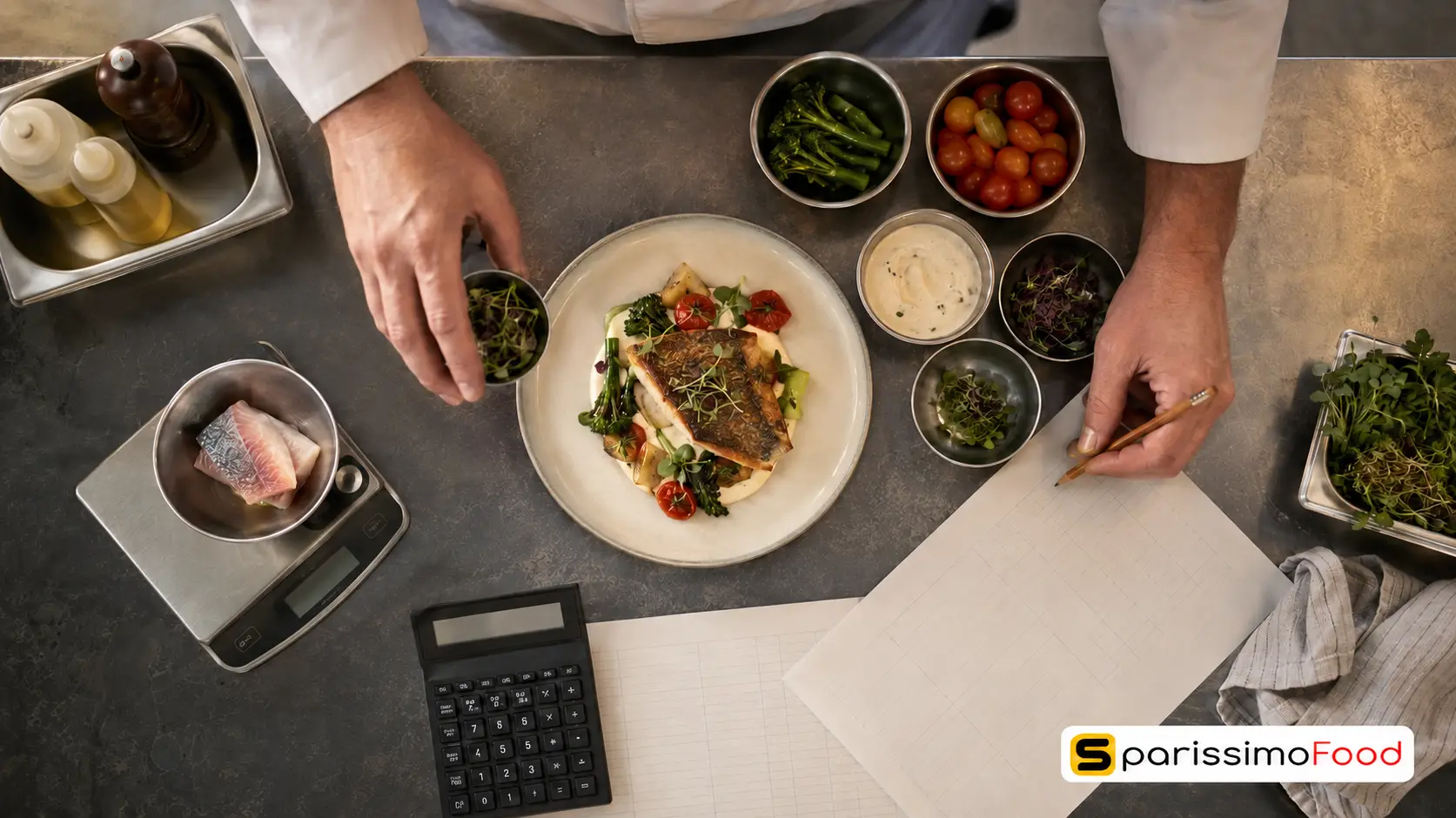
Step 2: Build a Menu That’s Actually Ready for Online Orders
Your dine-in menu and your online menu are not the same document, even if every dish is identical.
Group items the way a guest scans a phone screen, not the way a printed menu reads: starters, mains, sides, drinks, in that order, with your three or four best-selling dishes flagged. Add real photos where you can. A menu section with even one photo per category converts noticeably better than a wall of plain text, because guests ordering online can’t ask a server what a dish looks like.
Configure modifiers properly the first time. “Remove onion,” “extra cheese,” and “no dine-in gluten-free bread swap” all need to exist as structured options in the platform, not as a free-text note a kitchen has to interpret under pressure. A modifier that’s missing on launch day becomes a phone call, and phone calls are the exact friction online ordering is meant to remove.
Set your MWST rate per order type, not once for the whole menu. Swiss tax rules split by how the food is consumed: delivery and dine-in orders carry the standard 8.1% rate, while takeaway and click-and-collect orders qualify for the reduced 2.6% rate, as set by Switzerland’s Federal Tax Administration, the ESTV. Get this wrong at setup and every receipt you print carries the incorrect rate until someone catches it.
Step 3: Configure Delivery, Pickup and Dine-In QR Ordering
Before you touch the settings screen, decide which fulfilment types you’re actually offering: delivery, pickup, dine-in via QR code, or some combination. Each one has different rules to configure.
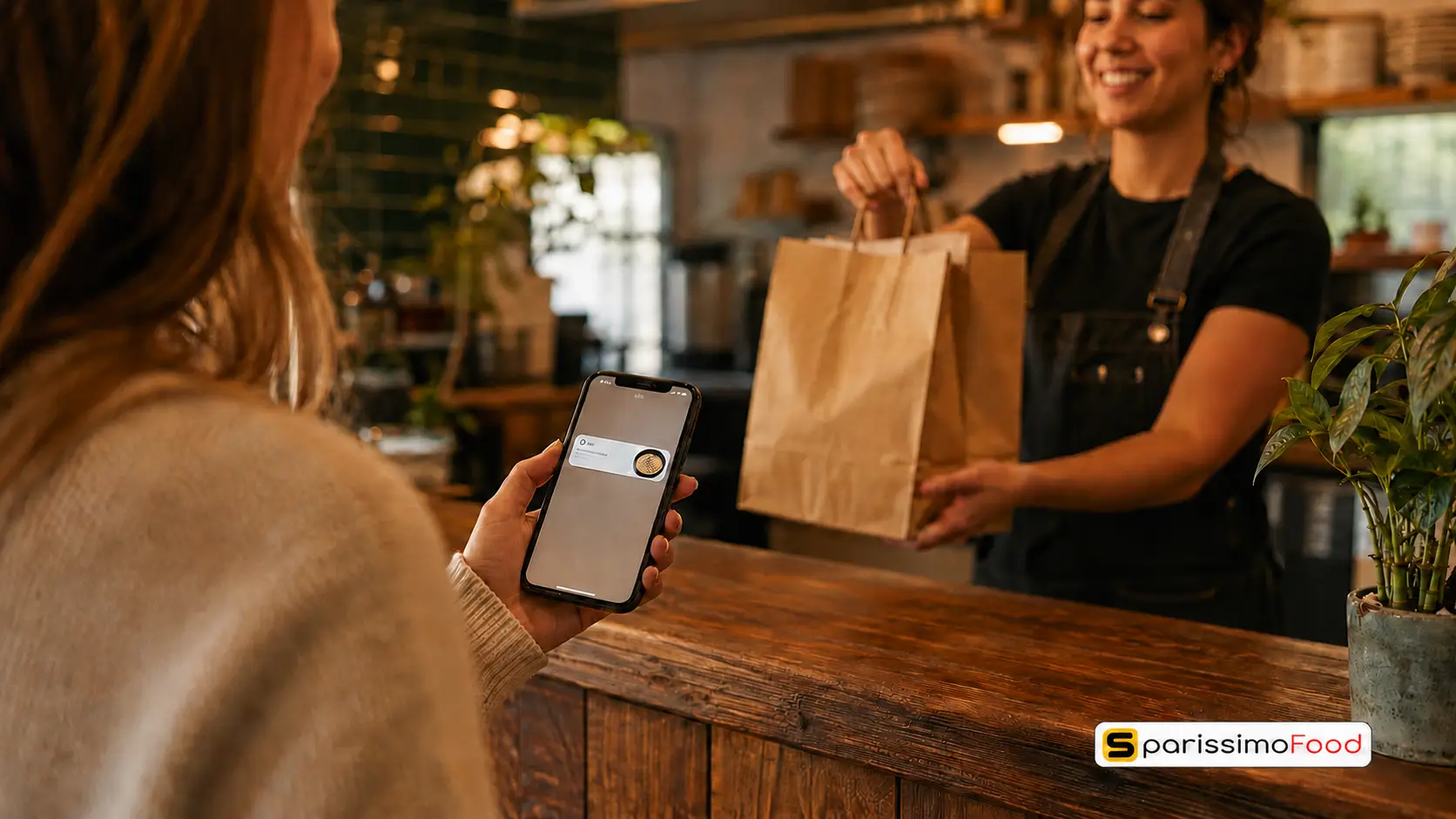
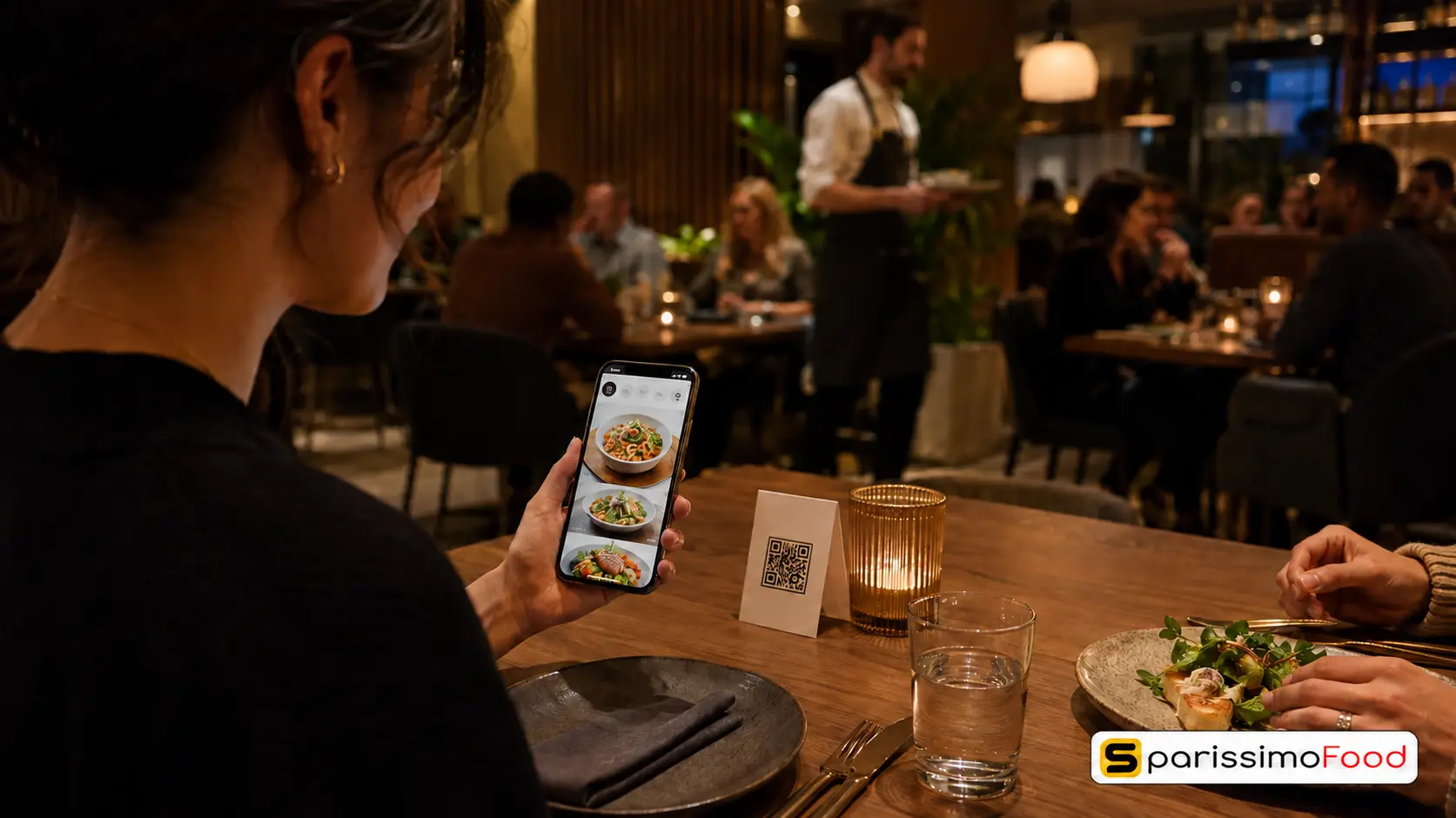
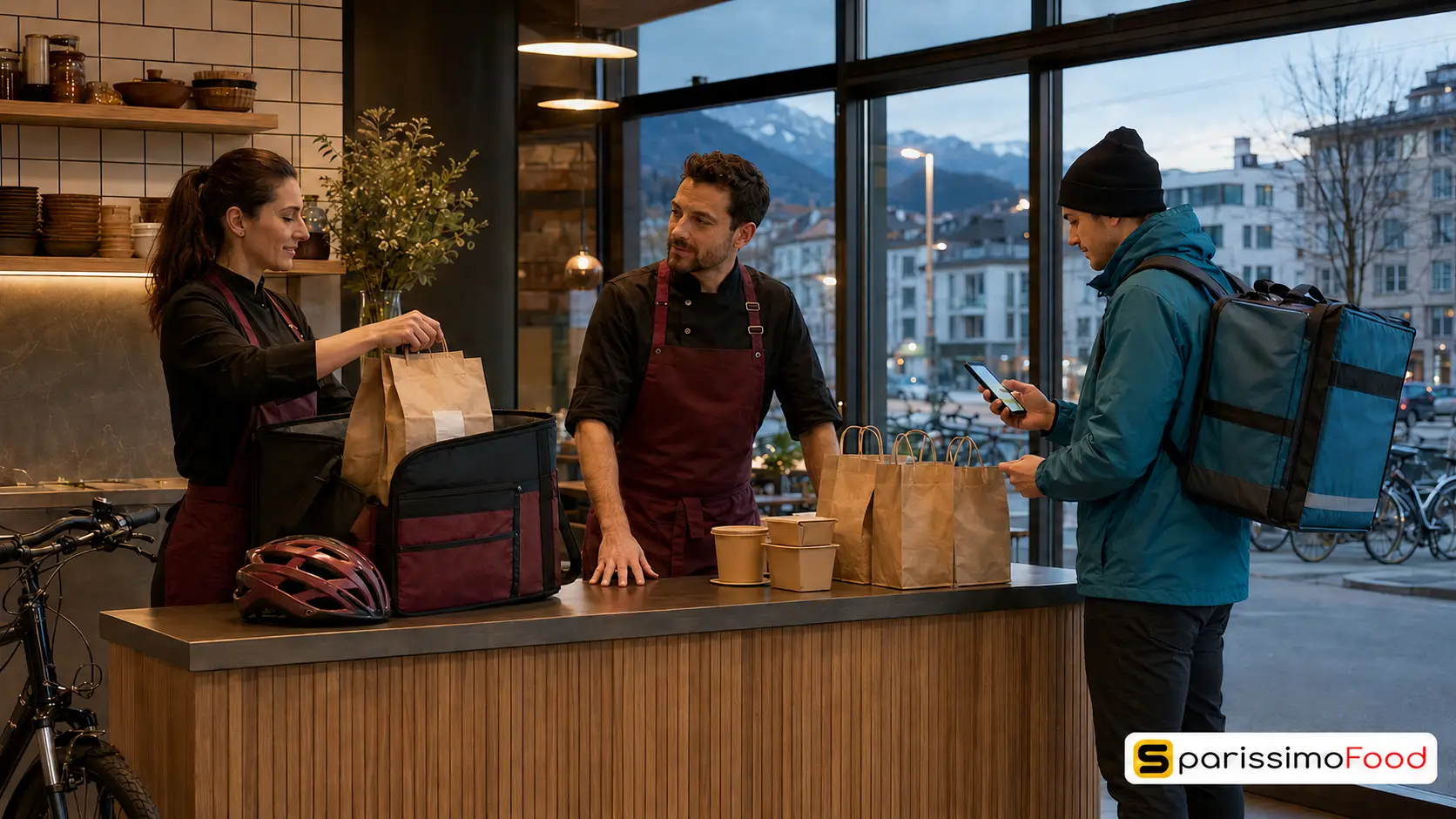
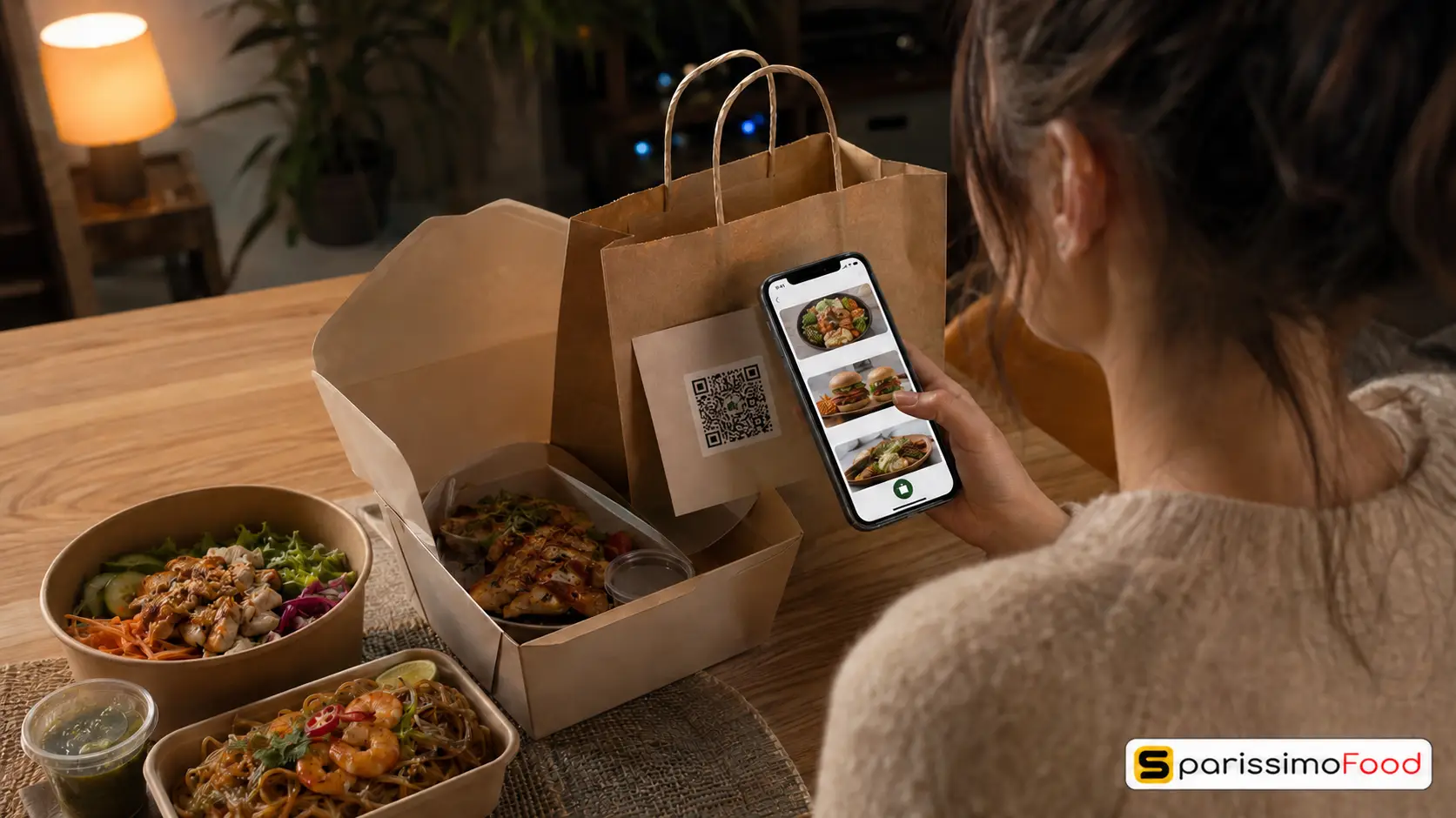
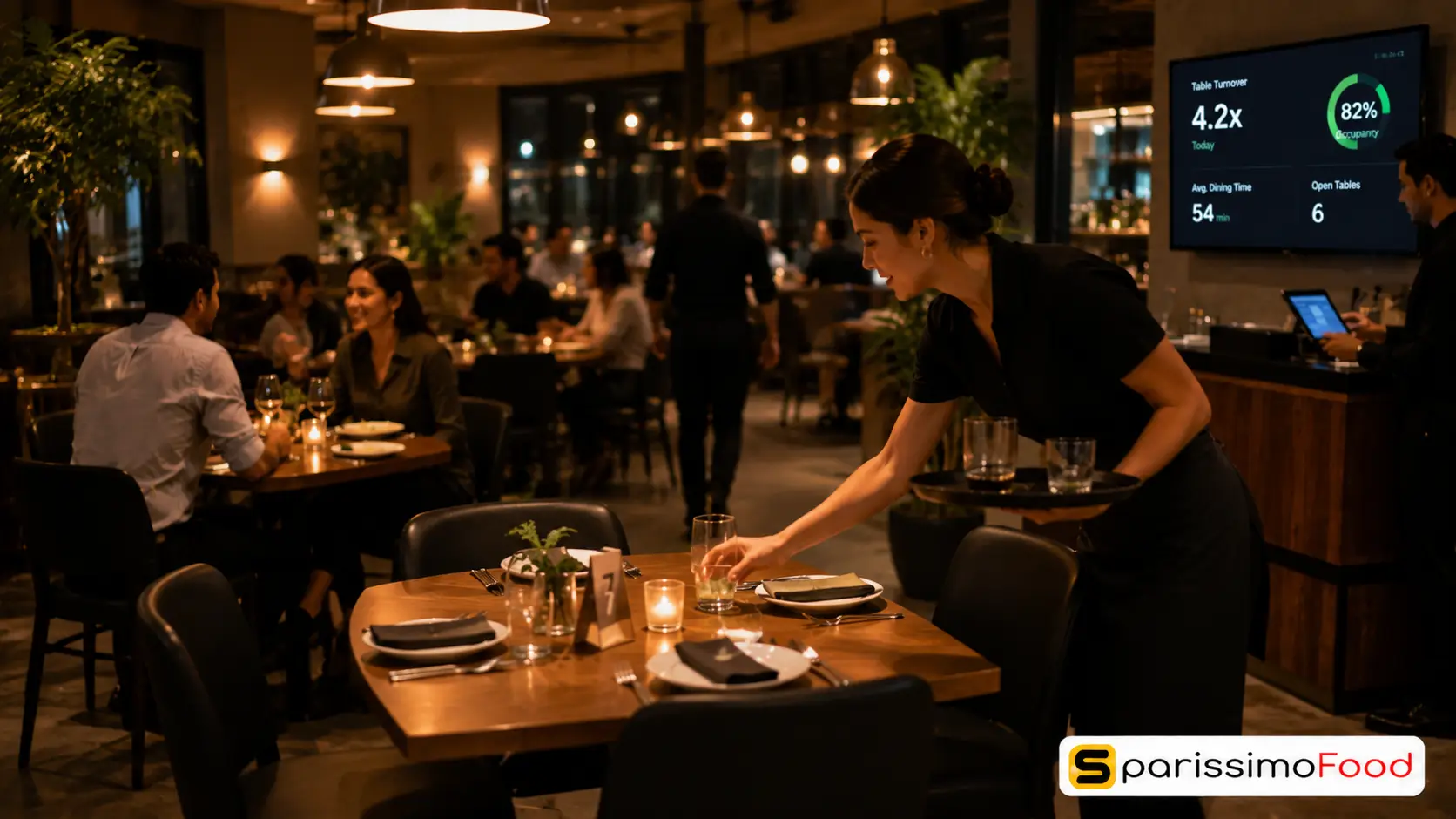
For delivery, set a radius or postcode zone, a delivery fee structure, and prep-time windows that reflect your kitchen’s real capacity, not an optimistic guess. For pickup, set clear time slots so guests aren’t arriving to a kitchen that hasn’t started their order yet. For dine-in, a QR code on the table lets guests order and pay without waiting to flag down staff, which helps table turnover during a busy service.
The setting most guides never mention is order pacing, sometimes called kitchen throttling: the ability to automatically slow or pause incoming online orders when your kitchen is already at capacity. Without it, a Friday-night rush on your ordering page can queue up more tickets than your line can physically cook, and every guest in that queue has a worse experience than the one before them. Configuring realistic pacing rules during setup, rather than scrambling to add them after your first bad Friday, is what keeps peak-hour service from turning into chaos.
Step 4: Set Up TWINT and Card Payments
Payment setup in Switzerland has one non-negotiable requirement that most international platforms treat as an afterthought: TWINT.
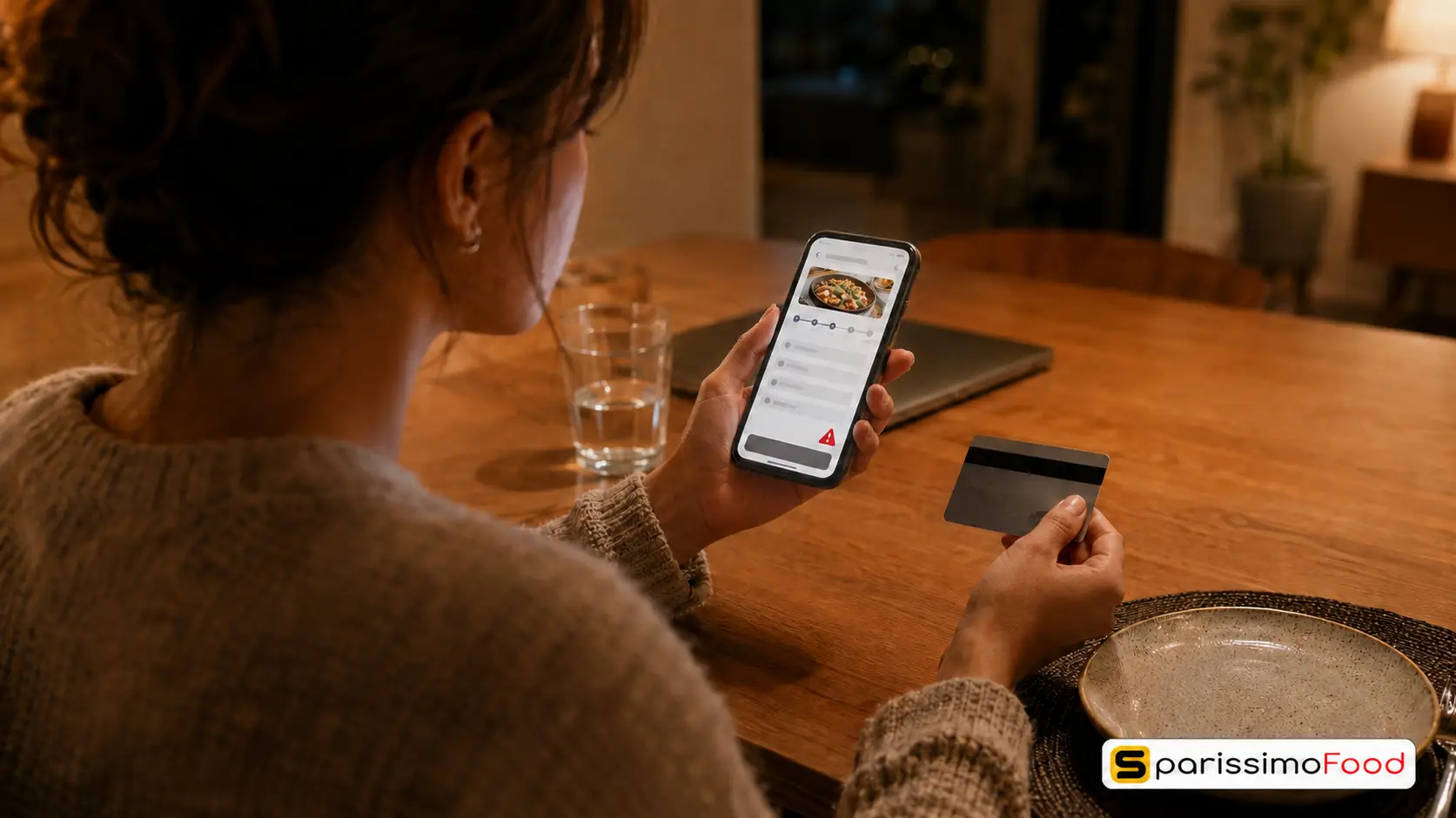
Over 5.9 million people in Switzerland actively use TWINT, and it accounts for more than 60% of the country’s digital payment transactions, according to TWINT’s own reporting. A guest who scans your QR code, builds an order, and then sees only a credit card field at checkout doesn’t hunt for their card. A meaningful share simply close the tab and order somewhere that takes TWINT. Setting up TWINT correctly during initial configuration, not as a later add-on, avoids that entire category of lost orders.
Card payments still matter as a second option: expect standard processing fees in the 1.5–2.9% + CHF 0.30 per transaction range, separate from whatever commission your ordering platform charges. TWINT’s merchant transaction fee runs close to 1.3% per transaction, with no fixed per-transaction charge and no monthly activation fee when it’s integrated through a platform that already supports it natively.
Test both payment methods yourself with a real card and a real TWINT payment before you promote the link publicly. A broken checkout on launch day is far more damaging to guest trust than launching a week later than planned.
Step 5: Test, Launch and Promote Your Ordering Page
Place one real test order, start to finish, before announcing anything: as a guest would, on your phone, on mobile data rather than restaurant WiFi. Confirm the order reaches the kitchen correctly, the payment settles, and the confirmation message actually arrives.
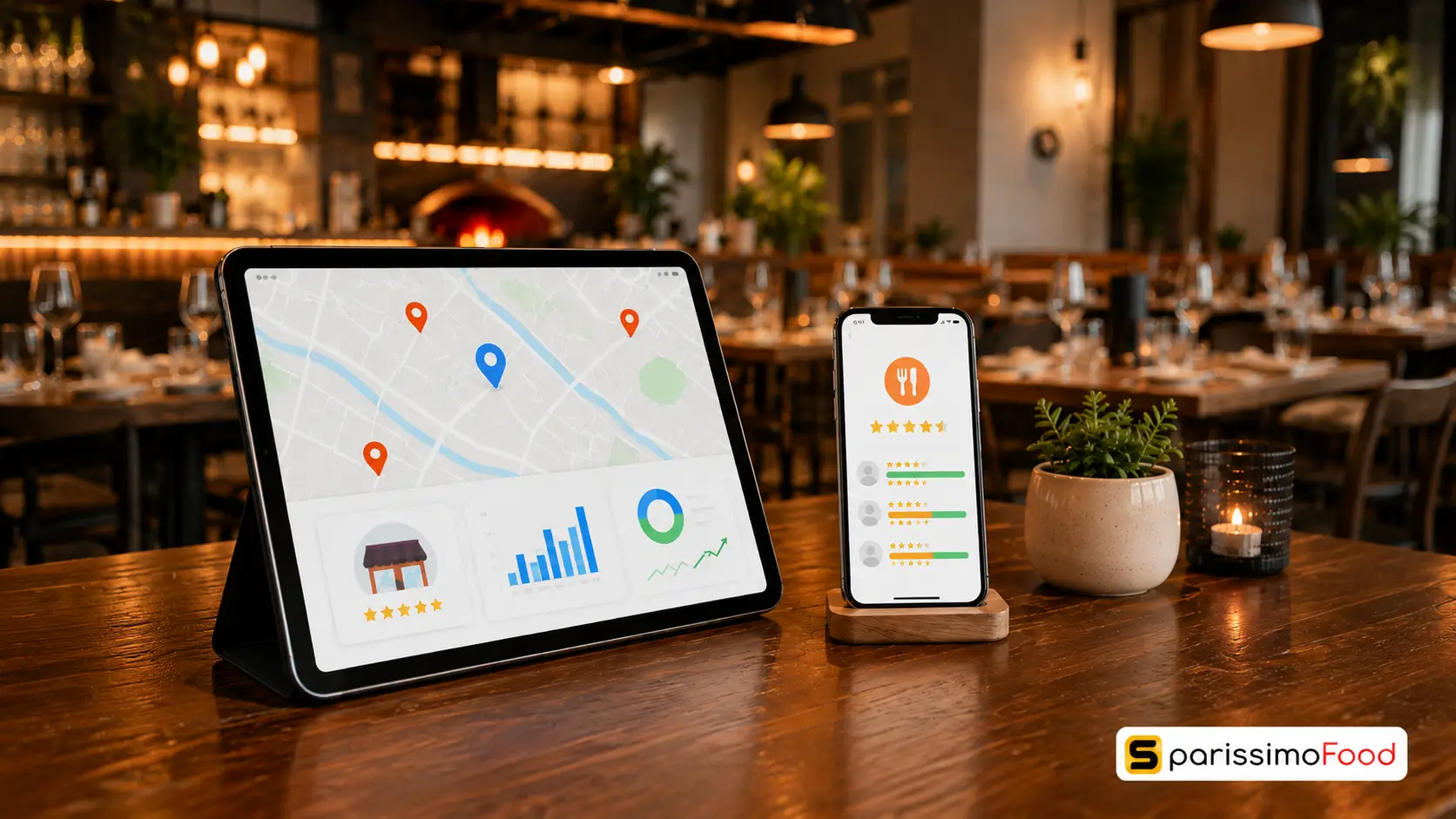
Once it works, make the ordering link impossible to miss. Put an “Order Now” button as the first thing visible on your website, not buried under a “Delivery” menu next to three marketplace logos. Check your Google Business Profile. By default it often points to a third-party marketplace rather than your own page, and correcting that single link redirects guests who were about to order through a platform that takes 25–30% of the sale.
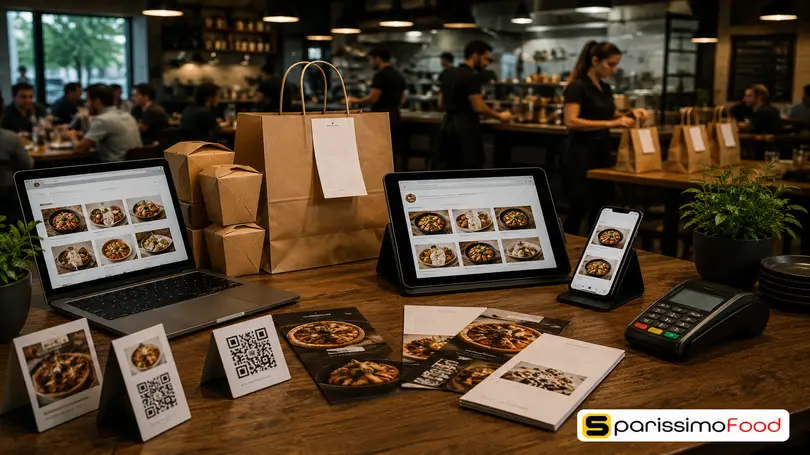
From there, spread the link everywhere a guest might already be looking: your Instagram and Facebook bio, a QR code on receipts and takeaway boxes, a table tent for dine-in guests, and a one-line mention from staff at checkout. None of these moves much on its own. Together, they close off the paths that quietly default a guest back to a marketplace out of habit.
How Much Does Setting Up Online Ordering Cost in Switzerland?
Most setup guides quote a single number and move on. The real cost has three separate components, and skipping any one of them gives you a misleading picture. Our full CHF cost breakdown for Switzerland covers every platform type in detail.
There’s the platform’s monthly subscription fee, a commission percentage charged per order, and payment processing fees on top of both. Marketplaces like Just Eat and Uber Eats charge no subscription fee but take 20–30% commission per order, a cost that scales with every sale you make, forever. Direct ordering platforms typically charge a modest monthly fee plus a lower commission in the 5–8% range.
Here’s what that looks like on real numbers. A restaurant doing 150 online orders a month at an average order value of CHF 38 generates CHF 5,700 in monthly online revenue. On a Starter plan at CHF 49/month plus 8% commission, the total platform cost is roughly CHF 505, leaving CHF 5,195 in the business. Routing that same CHF 5,700 through a 25% marketplace commission costs CHF 1,425, leaving CHF 4,275. That’s a difference of roughly CHF 920 a month, or just over CHF 11,000 a year, before accounting for the customer data and repeat-order relationship the marketplace never hands back.
Add TWINT’s roughly 1.3% merchant fee on top for a fuller picture, around CHF 74 a month at that same volume, and the direct-ordering total still lands nowhere near what a 25–30% marketplace commission costs on the same revenue.
How SparissimoFood Helps With Setting Up Online Ordering
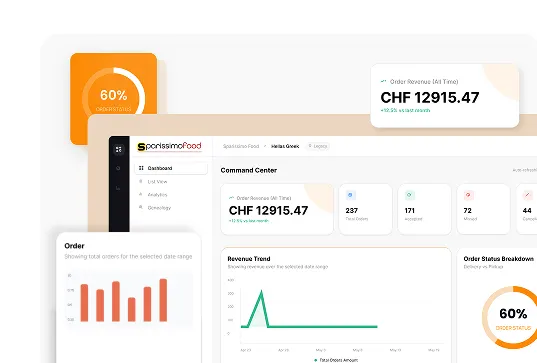
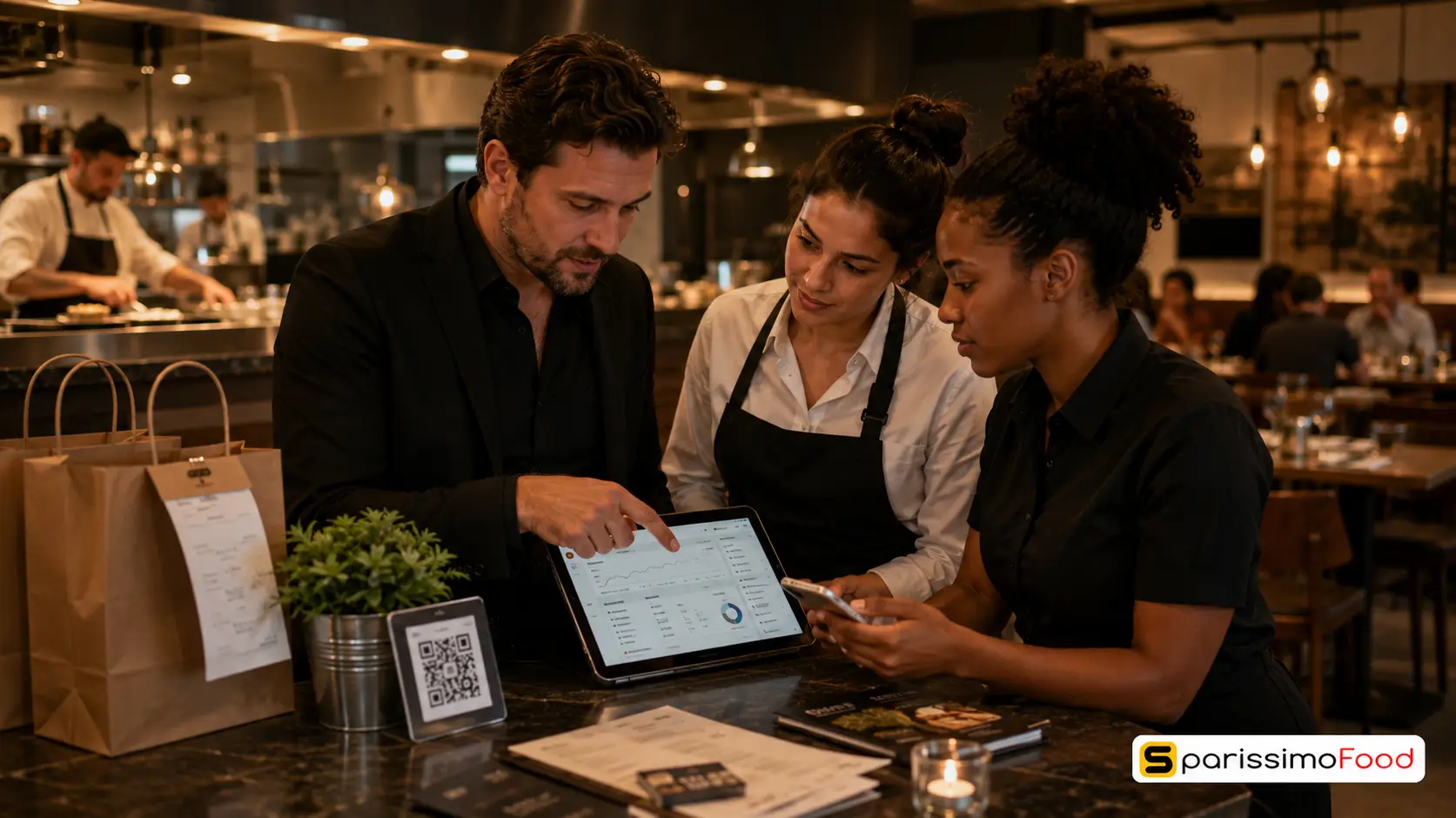
SparissimoFood is built around the exact five steps above, not as a generic ordering form retrofitted for Switzerland. Delivery, pickup, and dine-in QR ordering run from one dashboard, with TWINT and CHF-native billing configured natively rather than bolted on. MWST rates split correctly by order type from day one, so the 8.1%/2.6% distinction above isn’t something you have to configure by hand.
Kitchen throttling is built into the same setup flow covered in Step 3, so pacing rules for peak service get configured once, during onboarding, instead of being added in a panic after a bad Friday night. If you’re migrating off GloriaFood before its April 2027 shutdown, or replacing a system like the now-closed Smood, SparissimoFood’s team rebuilds your existing menu on the new platform within 24 hours as part of onboarding.
Pricing runs on three predictable plans rather than a marketplace’s percentage cut: Starter at CHF 49/month with an 8% commission, Business at CHF 79/month with 5%, and Professional at CHF 148/month, also at 5%, with a free branded app and POS terminal included. That’s the CHF 505-a-month example calculated above on the Starter tier, not commission-free, but a fraction of what the same order volume costs through Just Eat or Uber Eats.
The 14-day free trial requires no credit card, which is enough time to complete every step in this guide and take your first live order before deciding anything.
Frequently Asked Questions
How long does it take to set up online ordering for a restaurant?
With your menu items, prices, and photos ready in advance, setting up online ordering on a Swiss-ready platform typically takes 3 to 5 business days from signing up to taking your first live order. Most of that time goes into menu configuration and testing, not waiting on the platform itself. A system with done-for-you menu migration can cut it to a day or two.
Do I need a website before I can accept online orders?
No. Modern online ordering platforms provide a standalone ordering page with its own link, which you can promote directly through Google Business Profile, social media, and in-store QR codes without a restaurant website existing first. Many platforms, including SparissimoFood, also include a basic website builder if you want one later.
What does it cost to set up online ordering for a restaurant in Switzerland?
Direct ordering platforms typically charge a monthly subscription between CHF 49 and CHF 148 plus a 5–8% commission per order, compared with the 20–30% commission marketplaces like Just Eat and Uber Eats charge with no monthly fee. On CHF 5,700 of monthly online revenue, a direct platform costs roughly CHF 500–700 a month versus CHF 1,400–1,700 through a marketplace at 25%.
Do I need TWINT to accept online orders in Switzerland?
Practically, yes. TWINT is used by over 5.9 million people in Switzerland and accounts for more than 60% of the country’s digital payment transactions, so an ordering system without it will lose orders at checkout to guests who can’t pay the way they normally do. Confirm TWINT support before choosing a platform, not after guests start complaining.
Can I set up online ordering myself, or do I need a developer?
You don’t need a developer. Modern online ordering platforms are built for restaurant owners and managers to configure directly through a guided dashboard: uploading a menu, setting hours and fulfilment rules, and connecting payments. Onboarding support is available if you get stuck on a specific step.
A guest who can’t find your ordering link, or can’t pay the way they normally do, doesn’t wait around. They order somewhere else, and you never find out why.

.Ds4FHhSq_ZxC9WE.webp "Restaurant Upselling Techniques That Don't Feel Pushy")





.CXCr6fQt_Z11gsYh.webp "Build a Branded Restaurant App Without Developers")
.B-Rl4IDw_Z204OoN.webp "Restaurant Loss Prevention and Theft Guide")

.DPpk5JZR_AlrVy.webp "Restaurant Communication During Peak Hours | Guide 2026")



.B6eEizW1_Z2bHQYl.webp "Restaurant Menu Pricing Strategies That Actually Protect Your Margins in 2026")
.CRszlDy5_2neUXu.webp "How to Migrate from GloriaFood Without Disruption: A Technical Step-by-Step Guide")
.kT6N2QP-_1Tp2j1.webp "GloriaFood Is Shutting Down on April 30, 2027 — What Every Restaurant Owner Needs to Do Now")