
Build a Branded Restaurant App Without Developers
.CXCr6fQt_Z1OBMns.webp "Build a Branded Restaurant App Without Developers")

Quick Answer: You can build a branded restaurant app without hiring a development team by choosing one of three paths. The first is custom development, which runs CHF 30,000 to 200,000 upfront and is rarely viable for an independent restaurant. The second is a standalone no-code app builder costing CHF 50 to 200 per month, which gives you an app but requires maintaining a separate system alongside your ordering platform. The third and most efficient path for restaurants already running direct online ordering is a branded app bundled into your existing ordering platform. This third route requires no separate build, no duplicate data entry, and goes live in days rather than months. SparissimoFood’s Professional plan includes a branded iOS and Android app at CHF 148 per month with a 5% commission per order.
A branded restaurant app with your name in the App Store, your logo on the splash screen, and your menu ready to order from used to require a development agency, a project timeline of three to six months, and a budget most independent restaurants could not justify.
That changed. No-code platforms and bundled ordering systems have made a genuine, published, fully functional restaurant app achievable without writing a single line of code. The question is no longer whether you can afford to build one. It is which of the three available paths fits your restaurant’s situation.
Why a Branded Restaurant App Matters for Swiss Restaurants
Mobile applications accounted for approximately 82% of all online food delivery orders globally in 2025, according to industry research published by Ressto. Swiss consumers are ahead of that trend. With TWINT already the dominant payment method among Swiss digital shoppers, Swiss restaurant guests expect a friction-free, mobile-native experience when ordering.
A branded app creates three outcomes that a third-party platform listing cannot replicate:
First, it gives you a direct ordering relationship with the customer, without a marketplace taking a cut. The customer downloads your app, not Just Eat’s app. Every repeat order they place comes to you directly rather than through a marketplace charging 10 to 30% commission depending on the delivery model.
Second, it gives you a push notification channel. When you have a Friday special or a new seasonal dish, you can reach every app user instantly. No algorithm. No paid boost. One tap.
Third, it builds loyalty without relying on a third-party platform to maintain the relationship. A guest who has downloaded your app has made a commitment that a casual marketplace browser has not.
The Three Paths to a Branded Restaurant App
Path 1: Custom Development
Custom development means hiring an agency or freelance developer to build your app from scratch for iOS and Android. It is the most flexible option and the most expensive.
In Switzerland, a full custom restaurant app with ordering, loyalty, push notifications, and payment integration typically costs CHF 30,000 to 200,000 to build initially. Annual maintenance adds 15 to 20% of that build cost every year. A CHF 50,000 build costs CHF 7,500 to 10,000 per year just to keep running without adding features.
Custom development is appropriate for large multi-location chains with very specific integration requirements. For a single restaurant or a small group of locations, the cost structure does not justify the approach.
Path 2: Standalone No-Code App Builder
No-code app builders allow restaurant owners to create a branded app through a visual interface, with no programming knowledge required. You choose a template, upload your logo and colours, build your menu, and publish to the App Store and Google Play.
Monthly costs for a no-code restaurant app builder typically run CHF 50 to 200, depending on the platform and features included. This is significantly cheaper than custom development.
The practical limitation is integration. Your no-code app runs as a separate system from your existing online ordering platform. Menu updates need to be made in two places. Customer data lives in two databases. Order history does not sync. For a restaurant already running a direct ordering system, this duplication creates ongoing maintenance overhead that adds up over time.
Path 3: Bundled App Within Your Ordering Platform
The third path is available to restaurants already running a direct ordering platform that offers a branded app as part of a higher subscription tier.
In this model, the app is not a separate build. It is a new front-end for data you have already entered: your menu, your branding, your TWINT payment setup, your loyalty rules, and your customer records. The app reads from the same database your website ordering page uses. A menu change made once appears in the app automatically. A customer who orders via the app or via your website generates the same data in the same dashboard.
This path is the fastest to launch, the least expensive to maintain, and the most integrated with your existing operations. For a restaurant already on a direct ordering platform, it is the recommended path.
Step 1: Define the Core Features Your App Needs
Before comparing platforms or builders, write down what your restaurant app actually needs to do in its first version.
For most independent Swiss restaurants, the core feature set is short. Guests should be able to browse the menu and place a delivery or pickup order. They should be able to view and earn loyalty points or rewards. They should receive push notifications for specials and promotions. They should be able to pay with TWINT as the primary option, with card as a backup. If you take reservations, booking a table should be in the app.
Resist adding features beyond this core list in the first version. A guest who downloads your app on a recommendation and finds a clean, fast ordering experience will use it again. A guest who opens a cluttered app with twenty features they do not understand will delete it before placing an order.
Every feature you add in version one is a feature that needs to be configured, tested, explained to staff, and maintained. Start small and build on what guests actually use.
Step 2: Choose Your Path and Platform
Match your path to your actual current situation.
If you do not yet have a direct online ordering system and have no existing menu or customer data in a digital platform, consider starting with a no-code builder while simultaneously setting up direct ordering. These can be built in parallel.
If you are currently running your direct ordering through a platform that does not include an app option, evaluate whether switching to a platform that bundles app functionality at a reasonable upgrade cost would be more efficient than adding a separate no-code tool on top of your current system.
If you are already on a direct ordering platform that offers a bundled app at a higher tier, the calculation is straightforward. Compare the incremental monthly cost of upgrading your subscription against the monthly cost of a standalone no-code builder, plus the ongoing time cost of managing duplicate systems.
For context on how direct ordering economics work in Switzerland and what the platform cost differential between third-party apps and direct channels looks like, see our guide to converting delivery app customers to direct orders.
Step 3: Configure Your App
Whether you use a no-code builder or a bundled platform app, the configuration work is similar. The difference is in how much you have to do from scratch.
Branding and visuals. Upload your restaurant logo, choose your primary and secondary brand colours, and create a splash screen image. The splash screen is the first thing a guest sees when they open your app. It should match your restaurant’s visual identity immediately.
Menu structure. Organise your menu in the same way a guest scans it on a phone, with categories clearly labelled and your best-selling or highest-margin items appearing first in each category. Add photographs where possible. Research consistently shows that menu sections with at least one photo per category convert significantly better than text-only listings.
Modifiers and options. Configure every customisation option your kitchen needs to receive accurately. Size variations, topping choices, allergen-based substitutions, and special instructions all need to be built as structured menu fields, not as free-text notes. A modifier that is missing on launch day becomes a phone call.
Tax settings. Swiss MWST rules split by consumption type. Delivery and dine-in orders carry the standard 8.1% rate. Takeaway and click-and-collect orders qualify for the reduced 2.6% rate. Configure these correctly by order type, not once for the entire menu.
TWINT integration. TWINT must be your primary payment method. Switzerland has over 5 million active TWINT users, and a restaurant app that only accepts card payments loses a significant portion of Swiss customers at the final checkout step. TWINT’s merchant transaction fee runs approximately 1.3% per transaction, with no fixed per-transaction charge.
Step 4: Register for the App Stores and Handle Data Compliance
Two registrations are required before your app can be published.
An Apple Developer Program account costs CHF 99 per year and is required to publish on the iOS App Store. Registration is at developer.apple.com. Apple’s app review process typically takes two to seven business days for a first submission.
A Google Play Console account requires a one-time registration fee of approximately CHF 25 with no annual renewal. Registration is at play.google.com/console. Google’s first-time review takes up to three days.
On data protection: a restaurant app collects more personal data than a simple website ordering form. Device identifiers, location data, order history, and push notification tokens all fall under the scope of Switzerland’s revised Data Protection Act, the nDSG, which has been in force since September 2023. The practical requirements are a clear privacy policy accessible within the app, explicit consent screens for data collection purposes, and a straightforward account deletion mechanism.
Step 5: Promote the App and Get Your First Downloads
An app with no downloads generates no value. The download itself is the hardest step, and most restaurants underestimate this.
Your existing direct ordering customers are your best launch audience. They have already ordered from you once and are positively disposed to your restaurant. Message them directly with a specific reason to download the app: an app-only discount on their first app order, or early access to your new loyalty tier. A specific offer converts far better than a generic “download our new app” announcement.
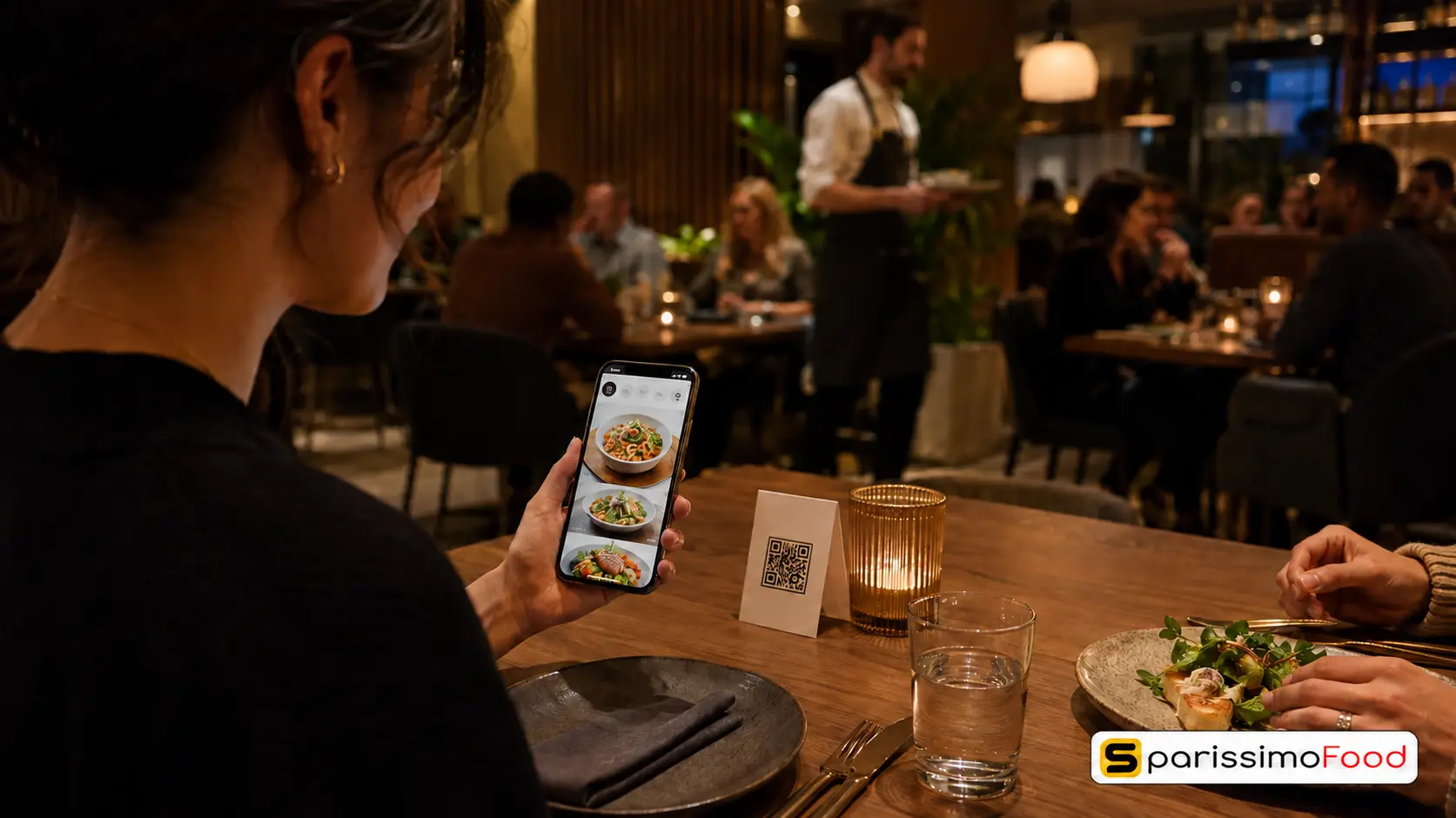
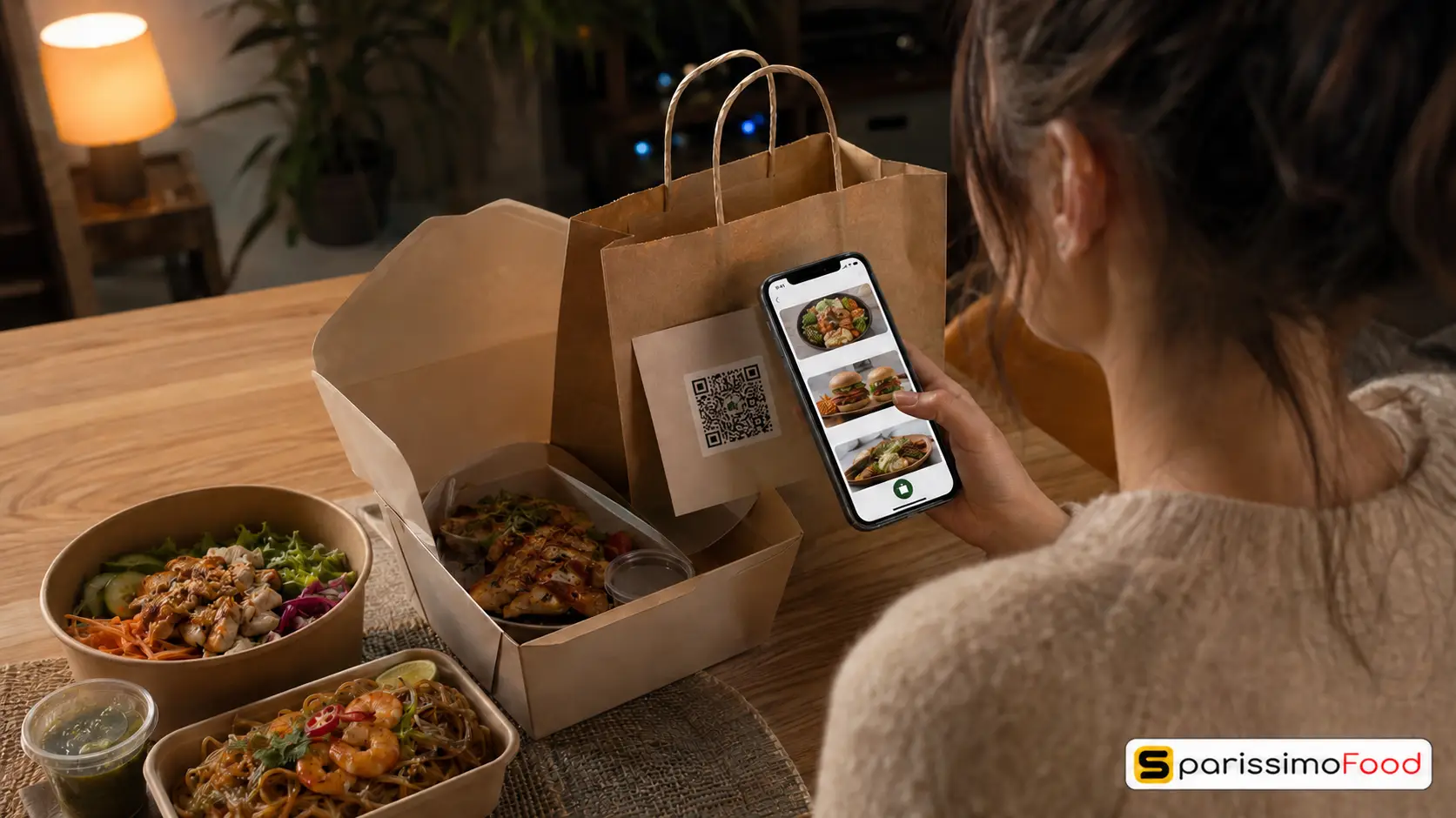
In your restaurant, place a QR code linking to your App Store listing on every table, at the counter, and on takeaway packaging and receipts. A QR code that takes the guest directly to the app download removes the friction of searching by name in the store.
Train your front-of-house staff to mention the app once per table during service. A brief, natural mention from a trusted server at the end of a positive meal converts a meaningful share of regulars who would never have discovered the app independently.
For the ongoing email and push notification strategy that keeps downloaded app users engaged and ordering regularly, see our restaurant email marketing guide.
What a Branded Restaurant App Costs in Switzerland: The Full Comparison
The real cost comparison depends entirely on which of the three paths you choose.
Custom development runs CHF 30,000 to 200,000 upfront, plus 15 to 20% of the build cost annually in maintenance. A CHF 60,000 build costs CHF 9,000 to 12,000 per year on top of the initial investment.
A standalone no-code builder avoids the upfront build cost but adds CHF 50 to 200 per month to your existing ordering platform cost, plus the CHF 99 Apple annual fee and the CHF 25 Google one-time registration. This means CHF 750 to 2,500 per year for the builder plus CHF 124 in store fees, plus ongoing time to manage two separate systems.
A bundled app within an existing ordering platform changes the maths entirely. The incremental cost is only the upgrade difference between your current plan and the plan that includes the app. The menu, branding, and payment configuration you have already completed carry over. There is no second system to manage and no duplicate data entry.
For a restaurant already on a direct ordering platform at the Business tier, upgrading to the Professional tier to access the bundled branded app adds one line to your existing monthly bill. The app store fees of CHF 99 per year for Apple and CHF 25 once for Google apply regardless of path.
For the broader context on how direct ordering platform costs compare to third-party delivery costs across different volume scenarios, see our guide on online ordering costs in Switzerland.
How SparissimoFood Helps You Build a Branded Restaurant App
SparissimoFood’s Professional plan includes a fully branded iOS and Android app built on the same menu, branding, and TWINT payment configuration already set up for your direct online ordering. There is no second system to build and no separate app subscription to pay.
Integrated menu management. Your app reads from the same menu database as your direct ordering website. A price change or a new dish added to your menu appears in the app automatically without a separate update step.
Loyalty rules carry over. Any loyalty programme configured for direct ordering applies to app orders automatically. Guests earn rewards when ordering through the app without a separate configuration. Marketplace orders do not trigger loyalty benefits, which means your programme actively incentivises direct ordering rather than subsidising third-party platform usage.
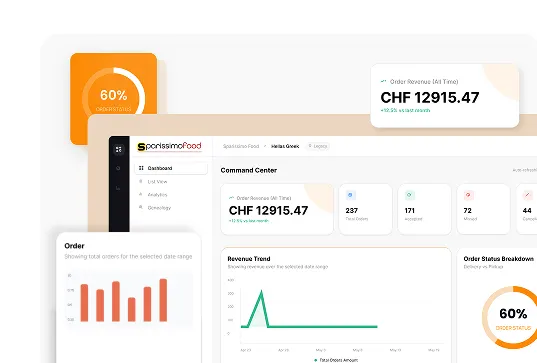
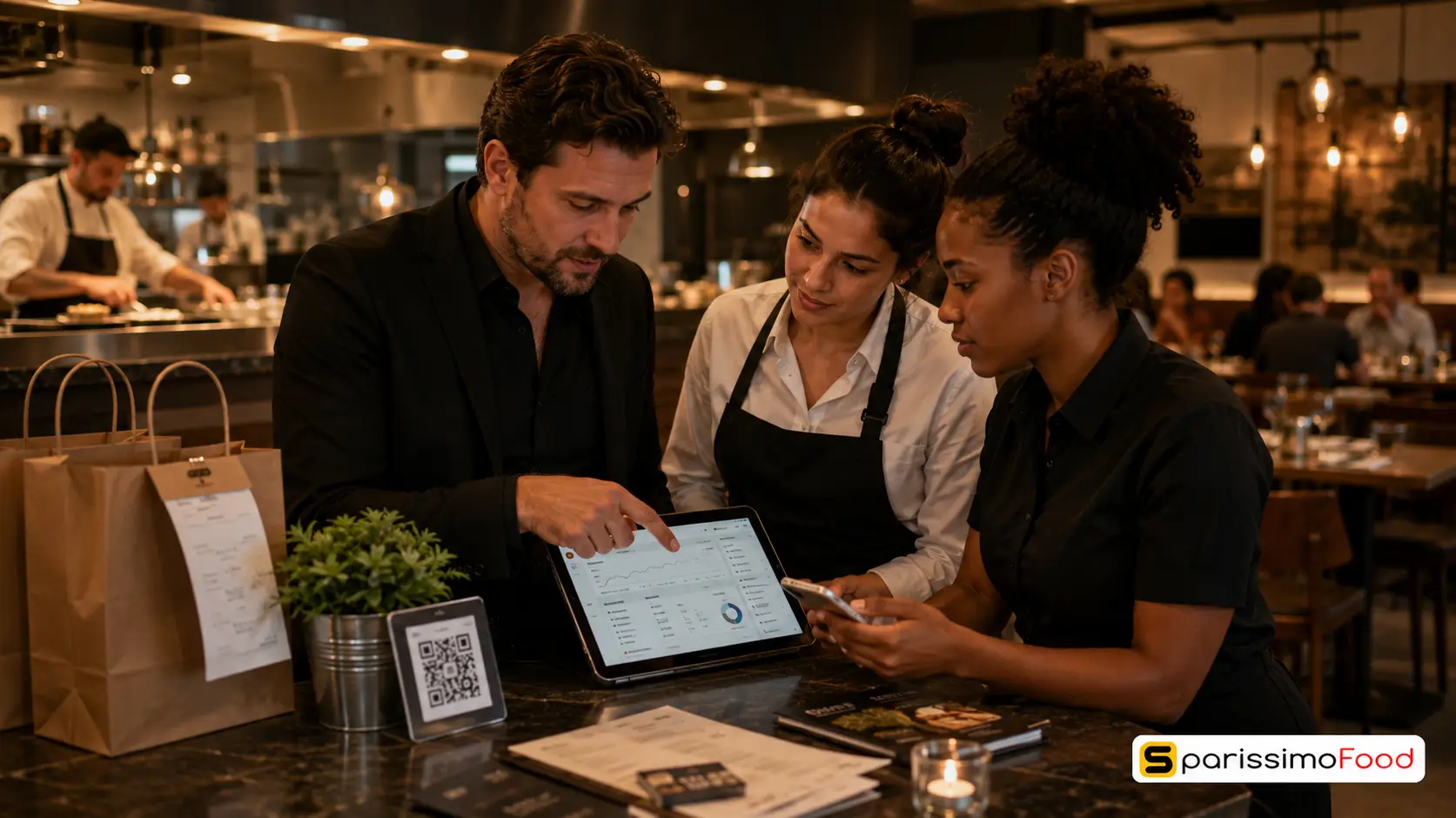
Manager dashboard visibility. The SparissimoFood manager dashboard shows app order volume alongside website and QR orders in a single view. You do not need to reconcile separate reports. This data is what tells you which customers are app-active, which items perform best in the app environment, and whether your download promotion campaigns are driving orders.
TWINT built in. TWINT support is native across all order channels in SparissimoFood, including the branded app. Customers who pay via TWINT in the app complete their checkout in a single tap with no card entry required.
SparissimoFood starts at CHF 49 per month with an 8% commission on the Starter plan. The Professional plan, which includes the branded iOS and Android app, is CHF 148 per month with a 5% commission. The incremental monthly cost of the app over the Business plan at CHF 79 per month is CHF 69 per month, with the same 5% commission applying across both tiers.
The 14-day free trial requires no credit card and is enough time to review the app configuration before committing to the Professional plan. Explore the current plan details at manage.sparissimofood.com/plans.
Frequently Asked Questions
Can a restaurant really build an app without hiring a developer? Yes. No-code app builders and bundled ordering platform apps allow restaurant owners and managers to configure a fully branded, published app without writing code or engaging a developer. The setup work involves uploading your menu, branding assets, and configuring payment options, which is the same kind of task as setting up online ordering. Both paths result in an app published under your restaurant’s name in the App Store and on Google Play.
How much does it cost to build a restaurant app in Switzerland? Custom development typically costs CHF 30,000 to 200,000 upfront, plus 15 to 20% of the build cost annually for maintenance. A standalone no-code builder costs CHF 50 to 200 per month plus the CHF 99 Apple annual fee and CHF 25 Google one-time fee. A bundled app within an existing ordering platform costs only the incremental upgrade difference between your current plan and the plan that includes the app, plus the same App Store fees.
How long does it take to launch a restaurant app? With a no-code builder or a bundled platform app, the configuration work can be completed in one to two days if your menu and branding are already prepared. Apple’s App Store review then takes two to seven business days. Google Play’s first-time review takes up to three days. Total time from starting configuration to your app being live in both stores is typically one to two weeks.
Do I need TWINT in my restaurant app for Switzerland? Yes, practically speaking. TWINT is used by over 5 million people in Switzerland and represents the majority of Swiss mobile payment transactions. A restaurant app that does not include TWINT as a payment option will lose a significant share of potential orders at the checkout step. TWINT should be your primary payment option, with card as a secondary option.
What is the difference between a no-code app builder and a bundled ordering platform app? A no-code app builder is a standalone tool that creates an app separately from any ordering system you already use. You build the app in the builder and manage it independently. A bundled ordering platform app is included as part of a higher-tier subscription to an ordering platform you already use. Your existing menu, branding, and customer data carry over to the app automatically, and you manage everything from one dashboard rather than two separate systems.
A restaurant app with your name on it, built on data you already own, deployed without a developer. That is where the industry is in 2026.

.Ds4FHhSq_ZxC9WE.webp "Restaurant Upselling Techniques That Don't Feel Pushy")




.y09Xtv8Z_1gH6f6.webp "Set Up Restaurant Online Ordering in Under a Week")
.B-Rl4IDw_Z204OoN.webp "Restaurant Loss Prevention and Theft Guide")
.DPpk5JZR_AlrVy.webp "Restaurant Communication During Peak Hours | Guide 2026")


.B6eEizW1_Z2bHQYl.webp "Restaurant Menu Pricing Strategies That Actually Protect Your Margins in 2026")
.CRszlDy5_2neUXu.webp "How to Migrate from GloriaFood Without Disruption: A Technical Step-by-Step Guide")
.kT6N2QP-_1Tp2j1.webp "GloriaFood Is Shutting Down on April 30, 2027 — What Every Restaurant Owner Needs to Do Now")