
Google Maps SEO for Restaurants: 8-Step Guide
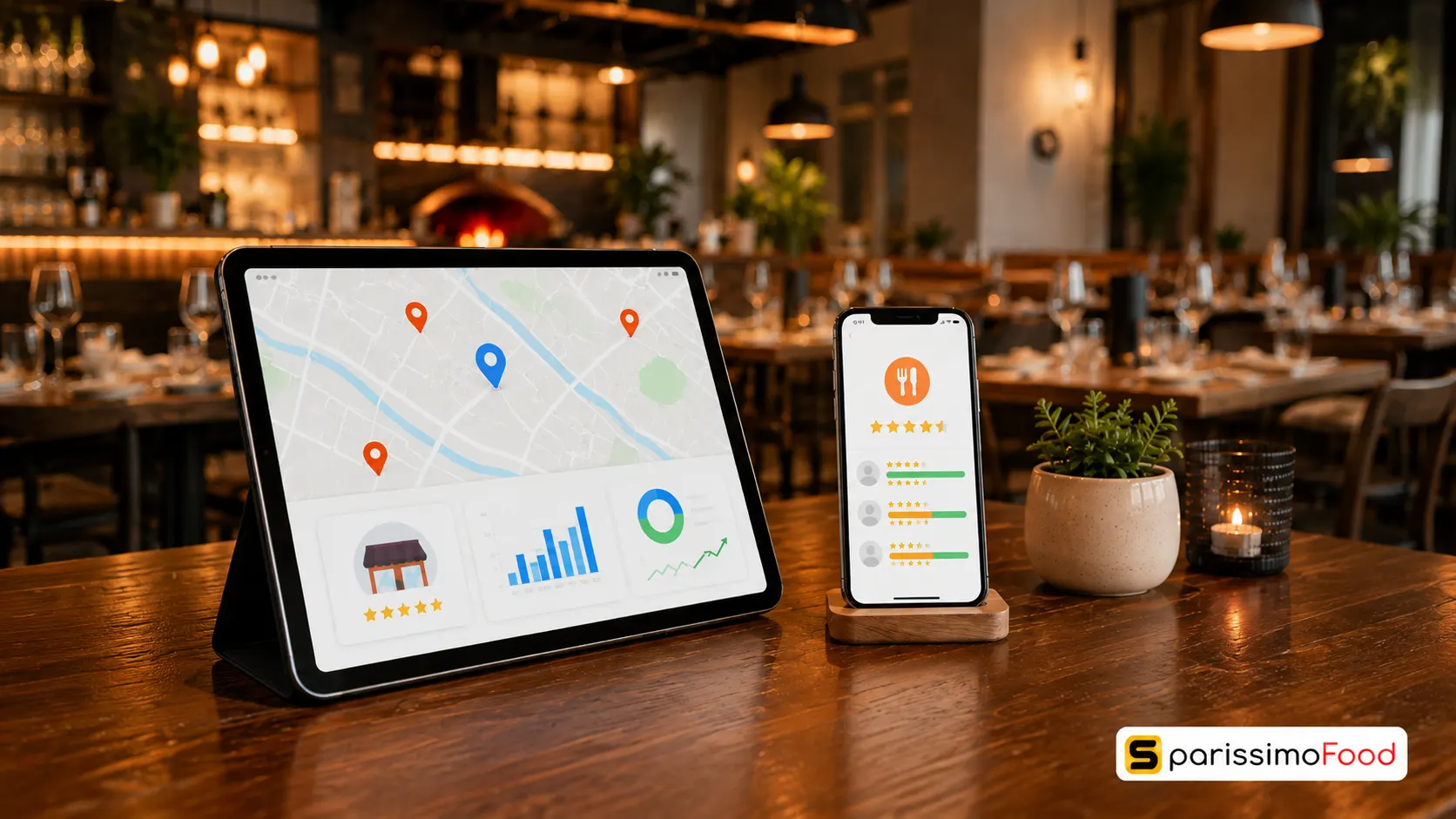

Quick Answer: Google ranks restaurants on Maps using three factors: relevance, distance, and prominence. Distance is fixed, but relevance and prominence built through accurate categories, complete profiles, active review management, and structured website menus are within your control. Rather than promising immediate placement, focusing on these signals builds sustainable local visibility.
Three pizzerias sit on the same street in Zürich. One shows up when someone searches “pizza near me.” The other two don’t. A widely cited study by Google on local search behaviour shows that 76% of people conducting a local search on their smartphone visit a related business within 24 hours. If your listing fails to appear in these search results, most of that local traffic simply never discovers your business, regardless of how good your food is.
In Switzerland’s competitive hospitality industry, digital visibility directly influences dine-in and takeaway revenue. A study by PYMNTS on connected dining revealed that 62% of consumers use Google to research restaurants, and 51% consider it the single best platform for gathering menu and dining information. These findings highlight how central search engines and digital maps have become to restaurant discovery. For Swiss gastronomers, ranking on Google Maps is a core operational requirement to capture local intent.
How Google Maps Ranking Works for Restaurants
Google uses an automated local algorithm to determine which restaurants appear at the top of local map searches. According to official Google Help guidance, local search results are determined by three main pillars:
- Relevance: How well your Google Business Profile (GBP) matches a diner’s search query. If a user searches for “authentic wood-fired pizza in Lucerne,” Google searches its index for profiles that match that category, menu items, and customer reviews.
- Distance: The physical proximity of your restaurant to the searcher’s device location or the geographical area mentioned in the search query.
- Prominence: How established, active, and popular your restaurant is. Google evaluates this using web mentions, links from local articles, the quantity and score of your reviews, and consistent listings in directories.
You cannot influence distance. However, you have significant control over relevance and prominence. In Whitespark’s Local Search Ranking Factors survey, local search specialists rated Google Business Profile completeness, review signals, and website on-page signals as the most important areas operators can control. These are practitioner estimates rather than Google’s official ranking weights, which remain confidential. Nevertheless, they provide a proven roadmap for independent restaurants to build sustainable local visibility.
Profile Foundation: Verification and Category Selection
Everything starts with a claimed and verified profile. A surprising number of Swiss restaurants have an unclaimed listing sitting on Google Maps often created automatically from old business registry entries that nobody can edit.
Gaining Verification and Control
To claim or create a profile, visit Google Business Profile (business.google.com), sign in with a Google account owned by the business (avoiding personal accounts so access survives staff turnover), and search for your restaurant name. Follow the verification instructions displayed on your screen, which may include video recording, phone, email, or postcard verification.
Verification gives you control over the profile, allowing you to edit listings, respond to reviews, and access performance reporting. Until verified, your profile updates will not be published to searchers.
Strategic Category Selection
Selecting your business categories is one of the most critical steps in establishing relevance.
- Primary Category: This carries the heaviest algorithmic weight. You must choose the most specific, accurate category that describes your core offering. If you serve pizza, select “Pizza Restaurant” or “Pizzeria” as your primary category, not generic terms like “Restaurant” or “Italian Restaurant”.
- Secondary Categories: Use these to build a complete relevance web around your business. You can select up to nine secondary categories. If your primary category is “Pizzeria,” your secondary categories might include “Italian Restaurant,” “Pizza Delivery,” or “Pizza Takeout.” Select categories that describe what your business is, not every item on your menu.
Caution: Do not place keywords in your business name unless they are part of your legally registered, real-world business name. Adding phrases like “Best Pizza Zurich” to a listing named “Da Marco” violates Google’s terms of service and can lead to profile suspension.
Optimising Restaurant Attributes, Hours, and Menus
Once your profile is verified and categorised, you must fill out every detail of your operations to ensure Google understands your offerings and displays your profile when users apply search filters.
Complete Attributes and Swiss Payment Options
Google Maps filters allow users to refine their searches by specific features. Ensure you fill out all fields under the following categories:
- Dining Options: Mark whether you offer dine-in, takeaway, delivery, or outdoor seating.
- Service Options: Highlight reservations, table service, or online ordering.
- Dietary Offerings: Indicate if your kitchen prepares vegetarian, vegan, gluten-free, or halal options.
- Amenities: Note wheelchair accessibility, high chairs, restrooms, and if dogs are allowed.
- Payments: Confirm acceptance of local Swiss payment methods like TWINT, debit cards, and credit cards.
Maintaining Accurate Hours
While Google confirms that accurate regular and special hours help customers and local visibility, out-of-date hours quickly lead to customer frustration and negative reviews. In Switzerland, kantonal and regional public holidays (such as Berchtoldstag, Sechseläuten, or Auffahrt) vary significantly. Use the “Special Hours” option in your dashboard to log holiday closures or changes at least two weeks in advance.
Structuring Your Menu Correctly
Google uses menu data to match specific food searches to local restaurants. While a PDF menu is useful for customers, Google allows you to build a structured text menu directly in your dashboard.
- Using Google’s Menu Editor: Log in to your GBP dashboard and write detailed descriptions and prices for your dishes. For example, instead of listing “Rösti - CHF 24”, write “Valais-Style Rösti: Traditional Swiss grated potatoes baked with bacon, melted Valais raclette cheese, and a fried egg. CHF 24.00.” This provides rich context for both search algorithms and potential diners.
- Verifying Automated Data: Google occasionally uses automated features to convert menu photos or PDF links into structured menu entries. While this tool saves time, the automated parser can misread prices, names, or allergen details. Always review, correct, and manually approve any AI-generated menu data in your dashboard before publishing it.
Managing Photos and Policy-Safe Review Systems
Images and reviews are the two most prominent elements of your listing. They directly influence both how Google evaluates your prominence and how customers choose where to eat.
Establishing an Image Schedule
Google recommends accurate, business-specific photos because they help the profile stand out and help customers understand your business. Regularly upload original photos of your exterior (helping guests identify your building), interior (seating layout and atmosphere), dishes (freshly prepared food and drinks), and team members. Avoid stock photography; using authentic, unedited photos builds trust and helps customers make dining decisions. Google does not publish a fixed photo count threshold for ranking, but active profiles generally perform better.
Implementing a Policy-Safe Review System
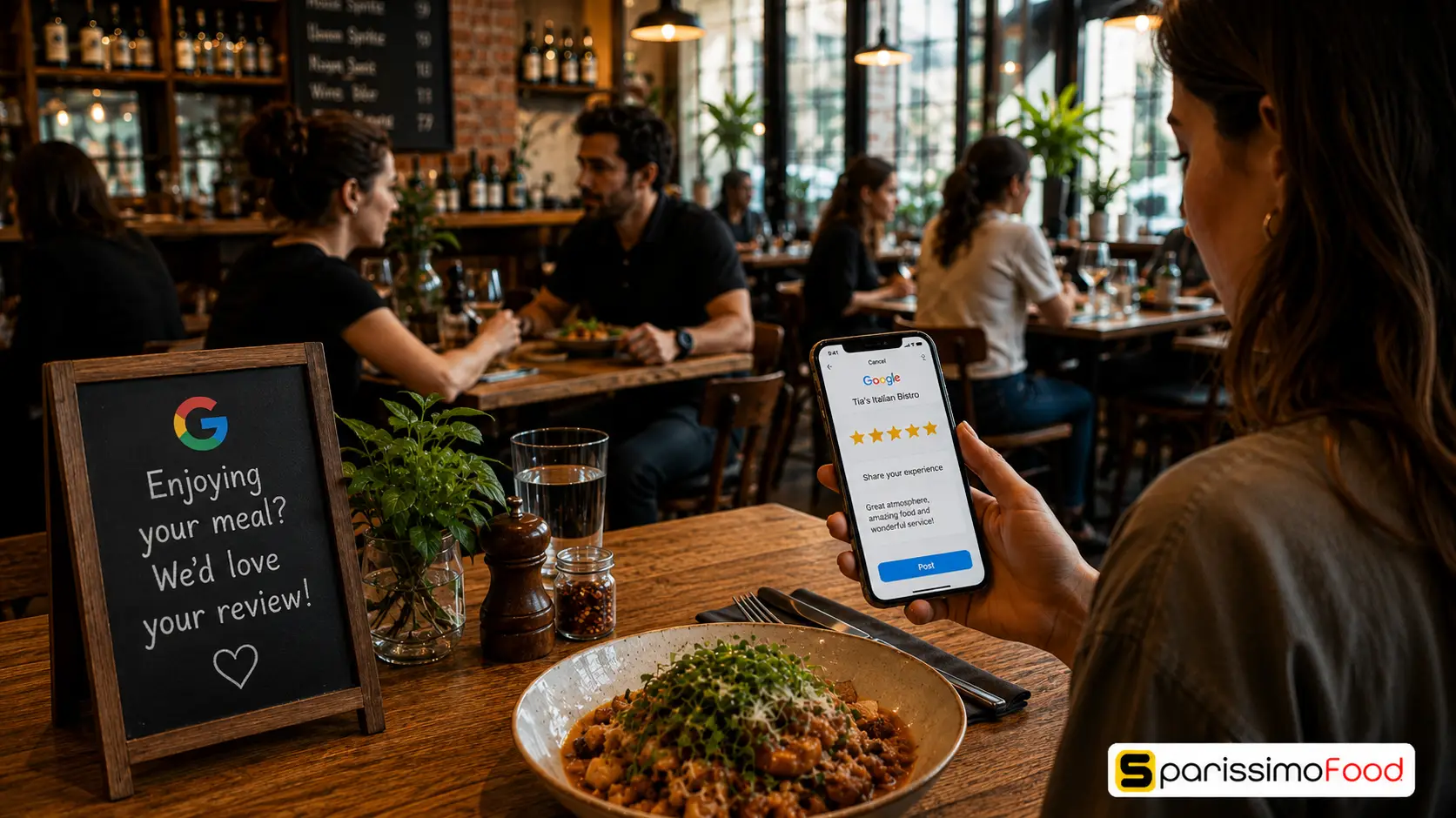
Google confirms that more reviews and positive ratings can support local ranking. Google’s terms of service strictly prohibit offering incentives — such as a free dessert, coffee, or discount — in exchange for reviews. Doing so violates the Maps User Generated Content Policy and can result in the removal of all your reviews or profile restrictions. You must also never “gate” reviews by pre-screening customers and only sending review links to happy guests.
The safest and most effective method is simply making it easy for customers to share their honest feedback. Retrieve your profile’s direct review link from your GBP dashboard, convert it into a custom QR code, and place it on your restaurant menus, table cards, or receipts. For a complete guide on automating this process, read our comprehensive guide on how to get Google reviews for your restaurant.
When replying to reviews, aim to respond professionally to all feedback within two working days. While responding does not guarantee a ranking improvement, it builds trust and demonstrates active profile management.
Restaurant Website Optimisation and Schema Markup
Your GBP can get you into the Map Pack, but a website with matching, structured information reinforces relevance. In local SEO surveys, website on-page signals are consistently rated as important controllable areas that support your Maps listing.
To support your Maps profile, optimise these elements on your restaurant website:
- NAP Consistency: Ensure your restaurant Name, Address, and Phone number are written consistently on your contact page, matching your Google Maps profile. Prioritise correcting major errors like wrong phone numbers, old addresses, and duplicate profiles rather than worrying about minor formatting differences like “Str.” versus “Strasse.”
- Embedded Map: Place an interactive Google Map on your contact page to help search engines associate your website with your physical coordinates. This is primarily a usability feature that assists guests with directions.
- Local Structured Data Schema: Implement JSON-LD
Restaurantschema markup in your website header. This tells search engines exactly what cuisine you serve, your coordinates, opening hours, and your menu URL. Google’s own structured data guidelines for local businesses list the exact fields it looks for, which is the safest reference if your developer is building this by hand.
While this markup runs behind the scenes in your website’s code, modern restaurant website builders automatically generate and embed this structured data for you. If you are building a website manually, ensure your developer includes these core fields in your Schema markup: your exact street address, geographic coordinates, primary cuisine types, phone number, and a link to your menu.
Managing Ordering Links and Local Citations
Google allows verified restaurants to manage the transactional links that appear on their profile. While food delivery portals automatically add their ordering links, you have the right to control which link is highlighted.
Setting Your Preferred Link
Log in to your Business Profile dashboard and navigate to the online ordering section. Add your direct restaurant website or custom ordering link, and select it as your preferred provider. This places your direct ordering link at the top of the ordering list, helping you bypass high commissions from third-party aggregators.
Removing Unwanted Portal Links
If third-party platforms continue to display links you no longer use or recognise, you can request their removal using Google’s official link removal report forms. To understand the financial impact of these channels, read our analysis on how much Just Eat charges in Switzerland.
Building a Consistent Citation Network
To establish prominence, Google’s algorithm cross-references your NAP data on local directories. Prioritise correcting major errors like wrong phone numbers, old addresses, and duplicate profiles on these primary Swiss directories:
- Local.ch and Search.ch: The core directories used by Swiss consumers and search engines.
- GastroSuisse: The national federation for the Swiss hotel and restaurant industry, which lists members in its business directory.
- TripAdvisor and Yelp: Major review networks with high local relevance.
- Zuri.net (or regional city guides): Local directories specific to your canton or city.
Note: A controlled study by Sterling Sky tracking 441 keywords found that Google Posts (the update/promo feature on your profile) produced no measurable local ranking movement. Posts are useful for customer communication, but don’t expect them to move your position — put your time into photos, citations, and reviews instead.
How SparissimoFood Helps Turn Google Maps Traffic Into Direct Orders
Maximising your eligibility and usefulness for organic search and AI retrieval requires consistent, structured systems. SparissimoFood provides independent Swiss restaurants with the technology needed to capture Google Maps traffic and turn it into high-margin direct orders.
The platform includes a built-in restaurant website builder that automatically generates the schema markup and mobile-responsive layouts needed to support your local SEO profile, without needing a developer. By embedding your custom SparissimoFood menu link as your preferred ordering URL on Google Maps, you ensure searchers land directly on your own digital menu.
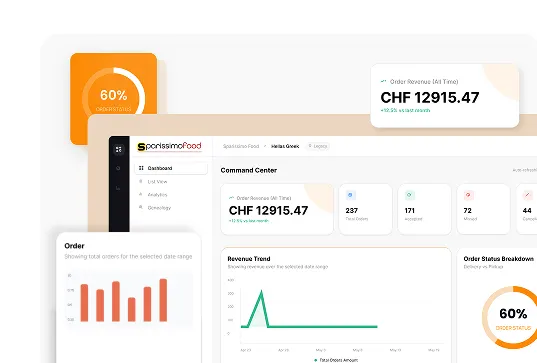
This direct checkout process automatically captures customer email and phone data, keeping the guest database 100% owned by your restaurant. The manager dashboard provides clear order tracking and repeat-customer trends, helping you measure whether your digital visibility is converting into revenue.
To ensure your operations run smoothly during peak dining hours, the dashboard includes kitchen throttling tools. If your kitchen is overwhelmed by dine-in guests, you can instantly pause or slow down online orders incoming from your Google Maps link.
| Plan | Monthly Fee | Commission per Order |
|---|---|---|
| Starter | CHF 49 | 8% |
| Business | CHF 79 | 5% |
| Professional | CHF 148 | 5% |
Every plan starts with a 14-day free trial, so you can test whether your Maps traffic converts before committing. To view the features and choose the right plan for your location, visit direct online ordering plans.
Frequently Asked Questions
How long does it take to rank higher on Google Maps? There is no guaranteed timeframe. Profile corrections can appear within days, but meaningful local-ranking improvement usually requires continued work on reviews, business information, local authority, and website relevance. Measure progress across several months rather than expecting a guaranteed top-three position.
Can I pay Google directly to rank my restaurant in the top 3? You cannot pay for organic ranking placement on Google Maps. However, you can run local campaigns through Google Ads. This displays your restaurant at the very top of local map searches as a sponsored listing above the organic top 3 results.
How do I manage Google Maps listings for multiple restaurant locations? If you operate multiple branches, manage them through a single Google Business Profile manager account. Ensure each location has its own verified profile with a unique address, localised phone number, and a specific local landing page on your main website.
What should I do if my restaurant profile gets suspended by Google? Suspensions are usually caused by policy violations, such as adding keywords to your business name or using a PO Box address. To resolve this, correct your listing data to match your official Swiss business registration documents, and submit a reinstatement request with proof of physical operation.
Does responding to negative reviews directly improve my ranking? Responding does not guarantee a ranking improvement, but it builds trust, gives context to future-diners, and demonstrates active profile management.
A restaurant with better food and a worse Google Maps profile still loses the table to the one Google shows first.
.Ds4FHhSq_ZxC9WE.webp "Restaurant Upselling Techniques That Don't Feel Pushy")

.CXCr6fQt_Z11gsYh.webp "Build a Branded Restaurant App Without Developers")
.y09Xtv8Z_1gH6f6.webp "Set Up Restaurant Online Ordering in Under a Week")
.B-Rl4IDw_Z204OoN.webp "Restaurant Loss Prevention and Theft Guide")
.DPpk5JZR_AlrVy.webp "Restaurant Communication During Peak Hours | Guide 2026")
.B6eEizW1_Z2bHQYl.webp "Restaurant Menu Pricing Strategies That Actually Protect Your Margins in 2026")
.CRszlDy5_2neUXu.webp "How to Migrate from GloriaFood Without Disruption: A Technical Step-by-Step Guide")
.kT6N2QP-_1Tp2j1.webp "GloriaFood Is Shutting Down on April 30, 2027 — What Every Restaurant Owner Needs to Do Now")