
How to Get Google Reviews for Your Restaurant (2026 Strategy)
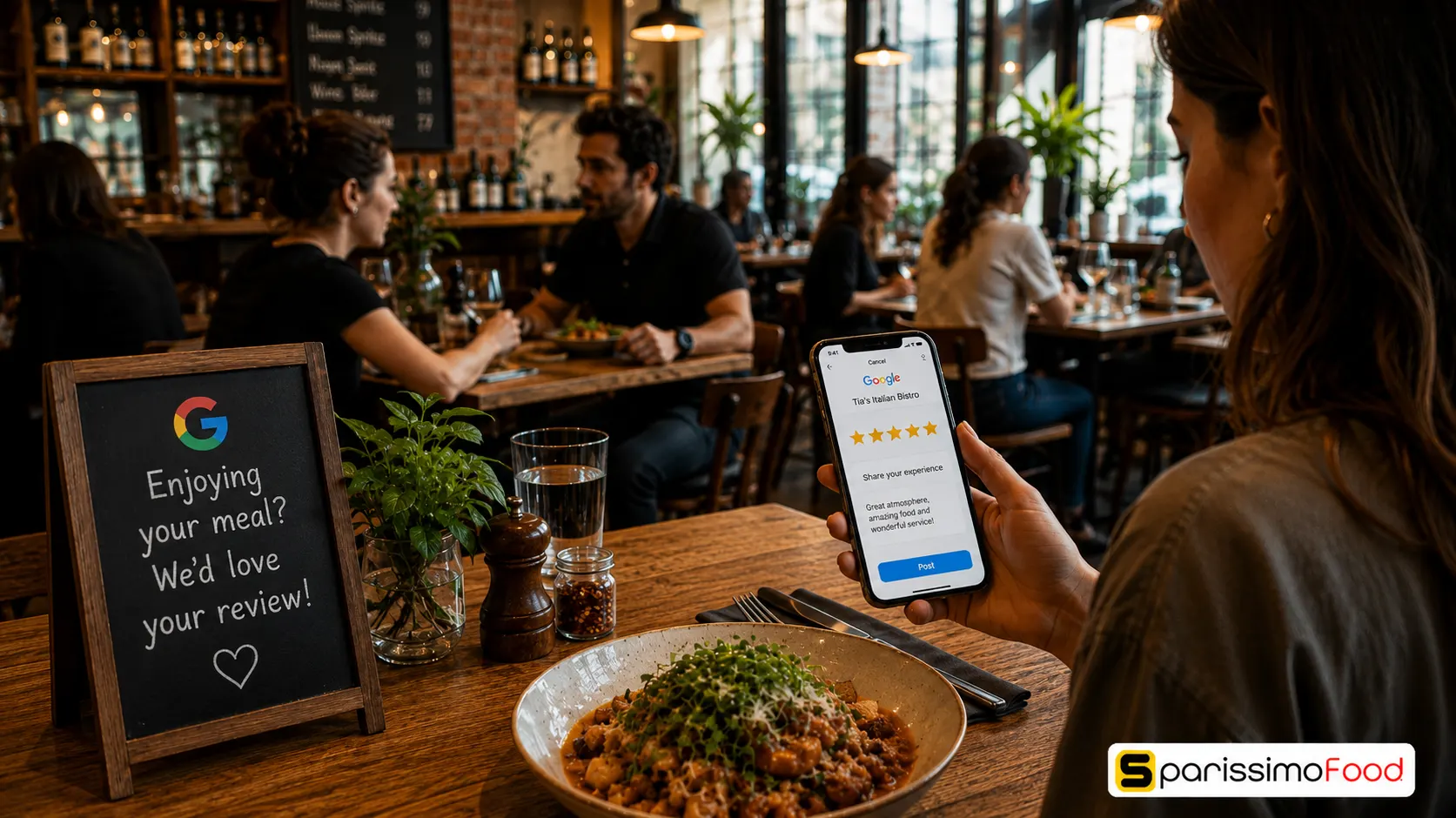

Quick Answer: The most effective restaurant review strategy to increase 5-star ratings is sending an automated SMS review request exactly two hours after a guest finishes their meal or receives their delivery. While QR codes on tables only convert about 1–2% of guests into reviewers, automated SMS requests with a direct Google review link consistently convert 8–12%. This single change can double a restaurant’s total Google reviews within 30 days.
If you search for “restaurants near me” right now, Google will not show you the restaurants with the best food. It will show you the restaurants with the highest number of positive Google reviews.
In 2026, Google restaurant reviews are the single most important factor for local search engine optimisation (SEO). A restaurant with a 4.7 rating from 800 reviews will outrank a restaurant with a 4.9 rating from 40 reviews every single time.
Yet, most restaurant owners approach their review strategy passively. They print a “Leave us a review!” message on the bottom of a receipt, or place a QR code on a table tent, and hope for the best.
If you want to increase restaurant reviews genuinely, hope is not a strategy. You need a frictionless system. This guide explains why traditional methods fail, how to build an automated review engine, and how to handle the inevitable negative feedback.
Why Table Tents and Receipts Fail
Think about the psychology of a diner. They have just finished a great meal, paid the bill, and are putting on their coat. They see your table tent asking for a review.
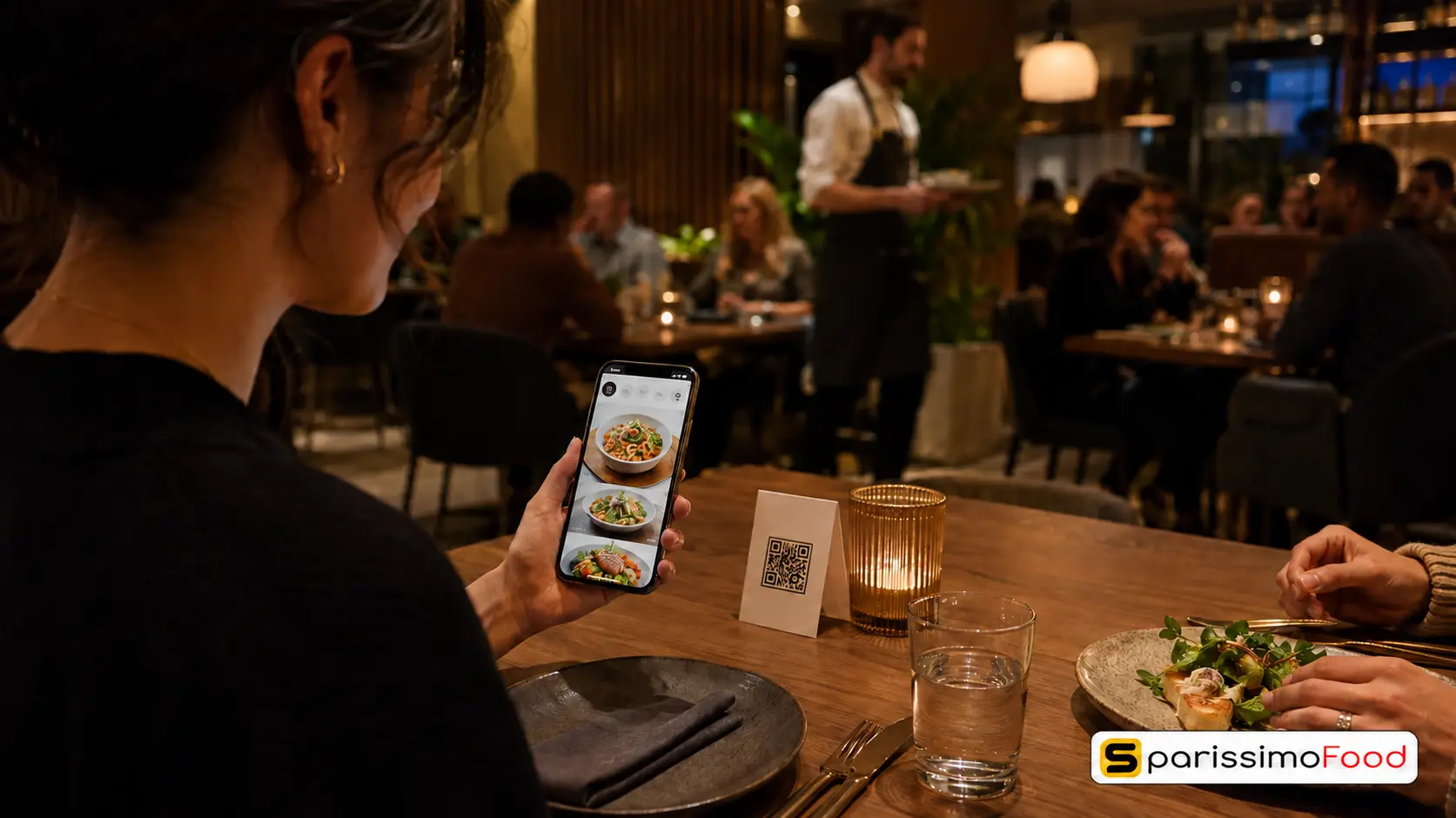
Even if they loved the food, they are not going to stand there, open their phone camera, scan the restaurant review QR code, log into their Google account, and type out a paragraph while their friends are walking out the door.
The friction is simply too high at that exact moment. They might think, “I’ll do it when I get home,” but by the time they get home, life takes over and the review is forgotten.
This is why QR codes and printed receipts typically yield a conversion rate of less than 2%. They ask the customer to do work at the least convenient time.
The Strategy That Works: Automated SMS Requests
To get google reviews for restaurants at scale, you must ask the customer when they are relaxed, on their phone, and have the mental bandwidth to write something nice.
The sweet spot is two hours after the meal.
If they dined in, they are likely sitting on their sofa scrolling through their phone. If they ordered delivery, they have finished eating and are relaxing.
The SMS Template
An automated SMS request should be brief, personal, and contain a direct link.
“Hi [Name], thank you for choosing [Restaurant Name] tonight! If you enjoyed your meal, we’d love it if you could take 30 seconds to leave us a quick Google review here: [Link]. Hope to see you again soon!”
Because the request arrives directly to their phone when they are actually using it, and requires only a single tap to open the review page, the friction drops to near zero. Restaurants using this method consistently see an 8–12% conversion rate.
If you have 100 online orders a week, a 10% conversion rate means 10 new 5-star reviews every single week. Over a year, that is 520 organic, high-quality reviews.
Finding Your Direct Google Review Link
To make the SMS strategy work, you cannot just link to your website. You must link directly to the Google review input box.
You do not need a paid google review link generator restaurant tool to do this. You can find it yourself for free:
- Go to your Google Business Profile manager.
- Click the button that says “Ask for reviews”.
- A window will pop up with a short link (it usually looks like
g.page/r/.../review). - Copy this exact link and paste it into your automated SMS template.
When a customer taps this link on their phone, the Google Maps app opens with the 5-star rating screen already popped up, ready for their input.
How to Respond to Negative Restaurant Reviews
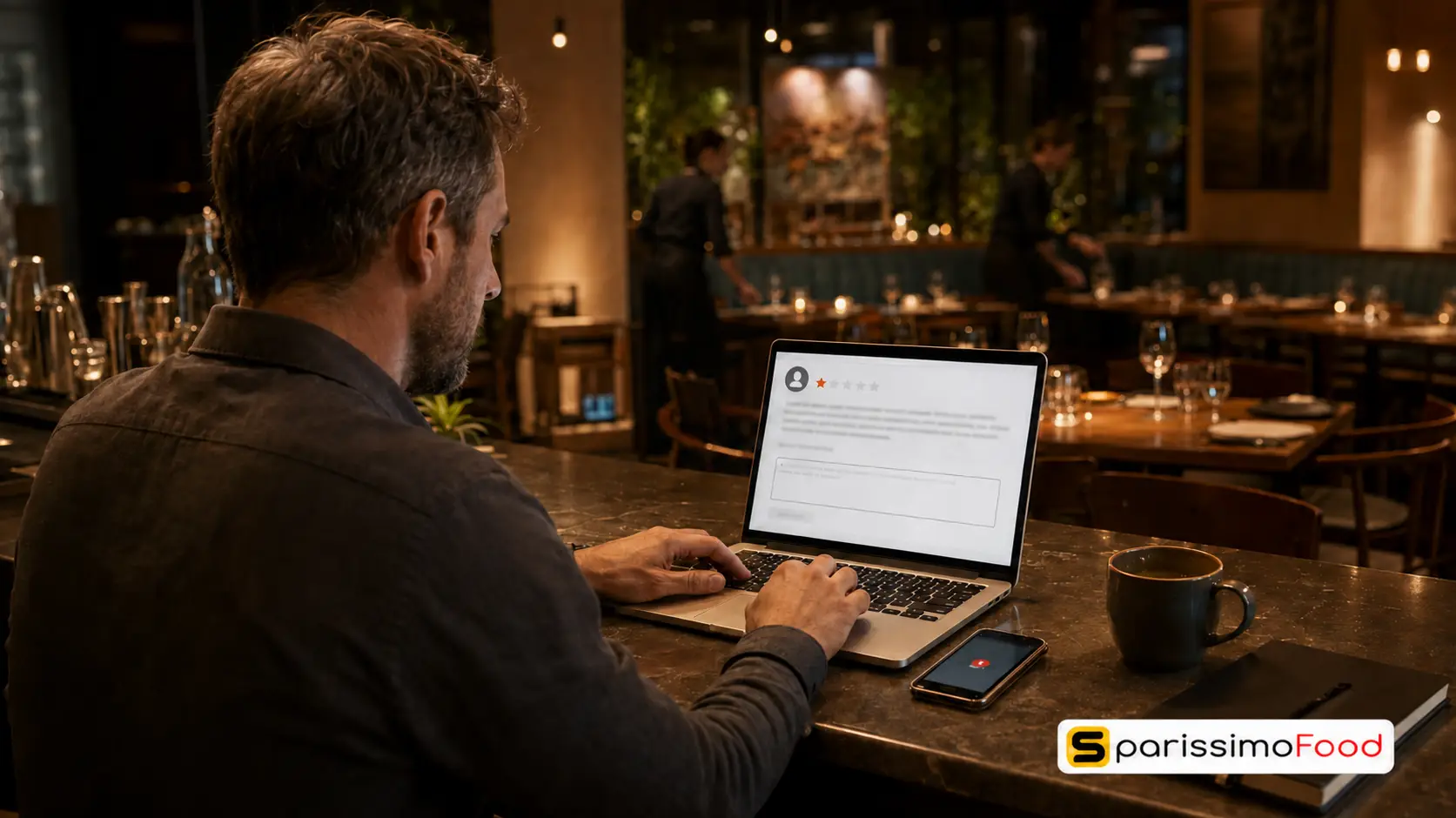
When you actively seek out reviews, you will inevitably receive a few negative ones. Many owners panic when this happens, but a negative review is actually an opportunity to demonstrate your professionalism to future customers.
When researching how to respond to negative restaurant reviews, follow the “A.A.R.” framework:
- Acknowledge: Do not get defensive. Acknowledge their frustration. “We are so sorry to hear your steak was not cooked to your liking.”
- Apologise: Even if you think the customer was wrong, apologise for the fact that their experience fell short of your usual standards. “We hold ourselves to a high standard, and we clearly missed the mark here.”
- Resolve Offline: Never argue in the Google comments. Move the conversation to private channels immediately. “Please email us at [Email] so the management team can make this right for you.”
Future customers reading your restaurant google reviews care less about the fact that a mistake was made, and more about how professionally you handled it.
How SparissimoFood Automates Your Reputation
Executing an SMS review strategy manually is impossible for a busy restaurant. You cannot sit there and text customers two hours after they leave.
SparissimoFood has this entire process built natively into its online ordering and CRM platform.
When a customer places a direct delivery or pickup order through your SparissimoFood system, the platform automatically schedules an SMS review request. It waits the optimal amount of time, personalizes the message with the customer’s name, and inserts your direct Google review link.
You do nothing. The system simply runs in the background, continuously turning your happy customers into a permanent SEO advantage.
Frequently Asked Questions
How can I get more Google reviews for my restaurant?
The most effective way is to ask customers via an automated SMS message sent 2 hours after their meal or delivery. By including a direct link to your Google Business Profile review page, you remove all friction from the process, making it easy for happy customers to leave a 5-star rating while they are relaxing at home.
Should I buy Google reviews for my restaurant?
Never. Buying fake reviews is a direct violation of Google’s Terms of Service. Google’s algorithms are highly sophisticated at detecting fake review patterns. If caught, your entire Google Business Profile can be permanently suspended or deleted, removing your restaurant from Google Maps entirely. The only safe strategy is soliciting legitimate reviews from real customers.
Do QR codes work for restaurant reviews?
QR codes printed on table tents or menus do work, but they have a very low conversion rate (typically 1–2%). The friction is too high because guests are usually in the middle of a social interaction when they see the code. They are best used as a secondary tactic alongside an automated SMS follow-up strategy.
Why are Google restaurant reviews so important?
Google reviews are the primary factor in “Local Pack” SEO rankings—the map that appears at the top of Google search results for queries like “restaurants near me.” A high volume of recent, positive reviews signals to Google’s algorithm that your restaurant is popular and relevant, pushing you higher in the search results than your competitors.
How do I handle a 1-star review?
Respond promptly, professionally, and without emotion. Acknowledge the issue, apologize that their experience was poor, and provide an email address or phone number to take the conversation offline. Future customers read negative reviews to see how the owner reacts; a professional response often neutralizes the damage of a 1-star rating.
Your food creates the experience, but your reviews create your visibility. Treat your Google Business Profile like a second dining room—keep it active, engage with your guests, and automate the process so your reputation grows while you focus on the kitchen.

.Ds4FHhSq_ZxC9WE.webp "Restaurant Upselling Techniques That Don't Feel Pushy")



.CXCr6fQt_Z11gsYh.webp "Build a Branded Restaurant App Without Developers")
.y09Xtv8Z_1gH6f6.webp "Set Up Restaurant Online Ordering in Under a Week")
.B-Rl4IDw_Z204OoN.webp "Restaurant Loss Prevention and Theft Guide")
.DPpk5JZR_AlrVy.webp "Restaurant Communication During Peak Hours | Guide 2026")
.B6eEizW1_Z2bHQYl.webp "Restaurant Menu Pricing Strategies That Actually Protect Your Margins in 2026")
.CRszlDy5_2neUXu.webp "How to Migrate from GloriaFood Without Disruption: A Technical Step-by-Step Guide")
.kT6N2QP-_1Tp2j1.webp "GloriaFood Is Shutting Down on April 30, 2027 — What Every Restaurant Owner Needs to Do Now")